Your buyer rarely asks AI for "the best CRM." They ask for "a CRM a two-person sales team can run without an admin." That gap—between your category and the job—is where use-case AI search recommendations are won or lost. Win the job-level prompt and you get recommended to someone ready to act, not just browsing. Lose it and the AI hands the job to a competitor who described it better, even if you have the stronger product.
Most GEO advice tells you to track "best [category]" prompts and call it a day. This guide argues the opposite: category queries are the hardest to win and the least valuable, and the real money sits in the long tail of job-to-be-done prompts. Below is a framework for mapping those prompts—audience × scenario × intent—plus a worked example from tracked accounts and a measurement plan you can defend to a CFO.

What are use-case AI search recommendations?
Use-case AI search recommendations are the brand suggestions an AI assistant gives when a buyer describes a job to be done—"a help desk for a 10-person startup"—instead of naming a category. You earn them by matching the buyer's stated scenario, audience and constraints, so ChatGPT, Gemini and Perplexity name you as the right tool for that specific job.
The distinction matters because AI answers are space-limited. An assistant surfaces only a small handful of brands per answer, then narrows further as the buyer adds detail. A category prompt pulls the crowded, incumbent-heavy list. A use-case prompt pulls a shorter, more specific list where a focused brand can edge out a generalist—and that shorter list is the whole game.
Category queries vs. use-case queries: what's the difference?
A category query asks "best [product type]." A use-case query asks "best option for [who] doing [what] under [which constraints]." Category queries have higher volume but brutal competition and weak intent. Use-case queries have lower volume, far less competition, and buyers who are closer to a decision.
Here is the trade-off side by side:
| Dimension | Category query | Use-case query |
|---|---|---|
| Example | "best AI visibility tool" | "best AI visibility tool for an agency reporting to multiple clients" |
| Search volume | High | Low to medium |
| Competition in the answer | Incumbents, big budgets | Thin; often winnable |
| Buyer intent | Browsing, early | Specific, near-decision |
| Constraints stated | Few | Many (the constraint bundle) |
| Your odds | Low unless you're a leader | High if you match the job |
The lesson: chasing the category head term is a status game you usually lose. Winning the job-level prompt is an information game—name the audience, the scenario and the constraints better than anyone, and the model has a reason to put you on the shortlist.
Why use-case queries are easier to win
Use-case queries are easier to win because AI rewards the brand that satisfies the most stated constraints at once, not the brand with the single best feature. When a buyer says "for a remote team, SOC 2-ready, under $200/month," the model is matching a bundle. A focused brand that names that exact bundle beats a market leader that only matches the category.
This is also where the commercial upside lives. B2B buyers increasingly start in AI before they ever touch a vendor site. G2's March 2026 survey of 1,076 software buyers found 51% now begin research in an AI chatbot rather than a search engine—up from 29% a year earlier—and 69% ended up choosing a different vendor than they'd first planned, with roughly a third buying from a brand they hadn't heard of before the AI named it. Forrester's 2026 Buyers' Journey survey of nearly 18,000 buyers points the same way, ranking generative and conversational AI as the single most meaningful vendor-research source. People who arrive on a job-level prompt are pre-qualified: they've already told the model their constraints, so a recommendation reads as a near-fit, not an ad. That's why getting recommended by ChatGPT for a precise job converts better than topping a generic list. It's the difference between answer engine optimization that drives demos and vanity visibility that drives nothing.
The Use-Case Query Matrix: audience × scenario × intent
The Use-Case Query Matrix is a simple framework for generating winnable prompts: cross every audience you serve with every scenario that pushes them to AI, then attach an intent type. Each cell is a prompt your buyers actually type—and a target for your generative engine optimization work.
The three axes:
- Audience — who is asking. For an AI visibility tool that might be a solo founder, a 30-person B2B SaaS marketing team, a PR/comms lead, or an agency managing ten clients.
- Scenario — the trigger situation: just lost share of voice to a rival, prepping a board report, switching off a pricey incumbent, launching into a new market.
- Intent — what they want the answer to do: a shortlist, a head-to-head comparison, an alternative to a named competitor, a constraint filter, or a how-to.
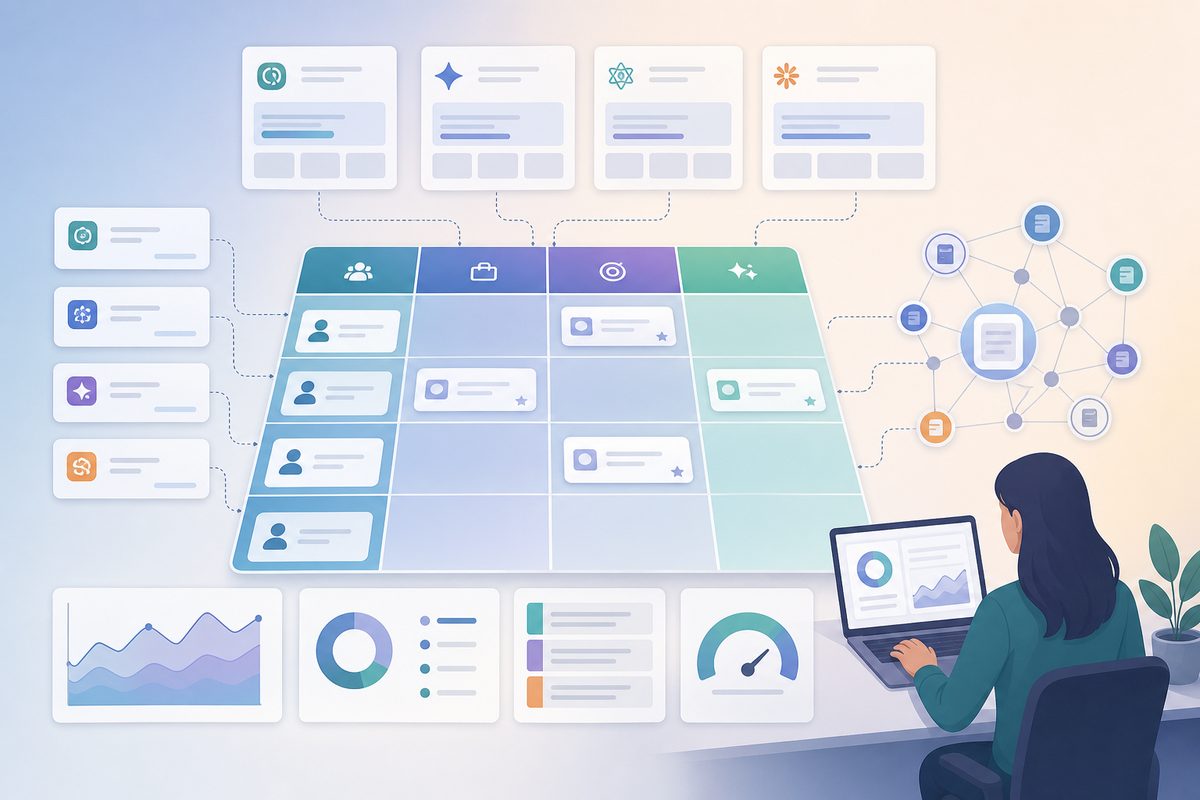
One cell, made concrete: agency (audience) + needs white-label client reporting (scenario) + shortlist (intent) → "best AI visibility tool for an agency reporting to multiple clients." This mirrors how strong buyers actually phrase high-intent AI search prompts: task verb, identity, trigger and constraints stacked into one question. Build the grid and you stop guessing which prompts to chase.
How to map the use-case queries your buyers actually ask
Mapping is a six-step loop. Done once, it gives you a prioritized prompt set; refreshed quarterly, it becomes your AI search monitoring backbone.
- List your audiences. Write out your real ICP segments—not personas you invented, the ones in your CRM and won-deal notes.
- List the scenarios. For each audience, capture the triggers that send them to AI. Mine your top support tickets, sales-call objections, and onboarding questions—those are buyer prompts in disguise.
- List the intent types. Shortlist, comparison, alternative-to, constraint filter, how-to, proof/citation.
- Combine into prompts. Cross the axes to generate natural-language questions. Aim for "best [thing] for [audience] [scenario]," not "[category] software."
- Run and log. Test each prompt across ChatGPT, Perplexity, Gemini and Google AI Overviews. For every prompt-engine pair, record whether you're mentioned, your position, which competitors appear, and which sources got cited.
- Prioritize. Score each prompt by winnability × intent value and work the high-value, low-competition cells first.
Steps 2 and 4 are where teams cut corners. If you want a deeper method for surfacing the real questions, this walkthrough on prompt research for AEO covers the mining sources in detail. The output you want is a living matrix, not a one-time spreadsheet.
A worked example: from category invisibility to use-case wins
Here is a representative pattern we see repeatedly in tracked B2B SaaS workspaces (numbers rounded to show the shape, not a single account). A team sells an analytics product and obsesses over one prompt: "best product analytics tool." Across the major engines, they show up in maybe 1 of 10 runs—buried under three incumbents with far bigger citation footprints. Category mention rate: ~10%. Morale: low.
Then they rebuild their tracked set with the matrix. Instead of one head term, they track twenty job-level prompts: "product analytics for a PLG startup without a data team," "Amplitude alternative for a 15-person team," "product analytics that a PM can set up alone." The picture inverts. On those use-case prompts, mention rate climbs to 40–60%, and on three constraint-heavy prompts they're the first brand named.
What changed wasn't the product—it was the match between the prompt and the content. They had a page that literally answered "for a PLG startup without a data team," with the constraints spelled out in plain language an LLM could quote. The category leader didn't. The takeaway: you don't have to beat the incumbent at the category to beat them at the job. Track the jobs, and your AI share of voice stops being a vanity number and starts mapping to pipeline.
How to build content that wins the job, not just the category
To win a use-case prompt, publish content that names the job, the audience and the constraint bundle in language a model can lift verbatim. AI assistants quote what's easy to extract; a page that says "for remote teams under $200/month, SOC 2-ready" gives the model a clean, citable match. A page that only says "powerful analytics platform" gives it nothing to anchor to.
Practical moves that earn use-case recommendations:
- Write a passage per cell. For your highest-value matrix cells, create a self-contained section (120–170 words) that states the audience, scenario and why you fit—then the constraints as plain facts.
- State constraints as facts, not adjectives. "Starts at $X," "SOC 2 Type II," "no engineer required to deploy." Models match specifics, not vibes.
- Cover adjacent intents. A use-case buyer often pivots to comparison and alternative prompts next. Owning "X vs Y" answers and getting listed in "alternatives to [competitor]" answers keeps you on the shortlist as the question narrows.
- Earn the shortlist itself. Many job prompts return a "best tools for…" list; doing the work to get named on those shortlists directly feeds use-case recommendations.
This is helpful-content thinking applied to AI search: answer the actual job, with evidence, in extractable blocks.
How to measure use-case AI share of voice
Measure use-case performance the same way you'd measure a paid channel: by segment, over time, against competitors—using a consistent AI search monitoring methodology so the numbers stay comparable as you scale. A single brand mention rate hides everything that matters. Break it down by matrix cluster so you can see which jobs you own and which you're losing.
Track these five signals per use-case cluster:
- Mention rate — share of runs where you appear, by audience-scenario cluster.
- Position — are you named first, mid-list, or as an afterthought?
- Competitor co-occurrence — who keeps showing up beside you, and on which jobs?
- Cited sources — which pages (yours or third-party) the model pulled from, so you know what to reinforce.
- Trend — week-over-week movement, since AI answers drift as models and content update.
Logging this by hand across four engines and twenty prompts doesn't scale, which is the entire reason LLM brand tracking exists. The point of measurement isn't a dashboard—it's knowing exactly which use-case page to fix next, and being able to prove the lift after you ship it.
Common mistakes when targeting use-case queries
The biggest mistake is tracking only category head terms, then concluding "AI doesn't mention us." It does—just not on the prompts you're watching. A few more traps to avoid:
- Writing for the category, not the job. A generic "platform" page can't win "for a 10-person startup." Name the job.
- Hiding the constraints. If your pricing, security posture and setup effort aren't stated in plain text, the model can't match them.
- One page for every audience. Different audiences and scenarios need their own extractable passages; one catch-all page wins none of them well.
- Measuring in aggregate. A flat 30% mention rate could be 60% on jobs you own and 0% on jobs you don't—averages hide the work. Segment it.
- Ignoring off-site signals. AI pulls from third-party sources too; reviews, comparisons and community mentions shape which brand gets the job.
Fix these and your matrix turns from a tracking exercise into a content roadmap.
Frequently asked questions
What's the difference between a category query and a use-case query?
A category query asks for "best [product type]"—high volume, high competition, weak intent. A use-case query describes a job: "best [thing] for [audience] doing [task] under [constraints]." It's lower volume but far more winnable and closer to a buying decision, which is why use-case AI search recommendations are the better target for most challengers.
Can I win use-case recommendations without ranking #1 in Google?
Yes. AI assistants synthesize from a handful of sources and weigh how well your content matches the stated job, not your blue-link rank alone. A focused page that names the exact audience, scenario and constraints can be cited even when bigger competitors outrank you on the head term.
How many use-case prompts should I track?
Enough to cover your top audience-scenario combinations—usually a few dozen for a focused B2B SaaS product, expanding as you add segments. Start with the highest intent-value cells in your matrix, prove movement, then widen coverage rather than tracking hundreds at once.
Which AI engines should I check for use-case recommendations?
Track at minimum ChatGPT, Perplexity, Gemini and Google AI Overviews, since buyers split across them and answers differ engine to engine. Add Claude, Copilot and Grok if your audience uses them. The same prompt can name different brands per engine, so monitor them separately.
How is this different from traditional keyword research?
Keyword research optimizes for clicks on ranked pages; use-case prompt mapping optimizes for being named inside an AI answer. You're not chasing volume—you're matching the buyer's full sentence, constraints included, so the model recommends you for the job. It's answer engine optimization, not blue-link SEO.