By maxaeo
Yes. Public AI search systems can cite text-native PDFs and video watch pages, but a visible link does not prove they parsed the file or watched the stream. In MaxAEO’s 384-answer test, citation success depended more on accessible, attributable text than on the media format itself.
The test compared PDFs, YouTube videos, podcast audio, and webinar replays across eight AI search surfaces. Native-only assets received supporting citations in 17.7% of answer captures. Adding a structured HTML evidence page raised content-package citations to 56.8%.
That increase requires careful interpretation: the companion pages improved citations to the content package, not necessarily to the original file. In the second condition, 75.2% of citations landed on HTML pages rather than PDFs, video pages, audio files, or webinar replays.
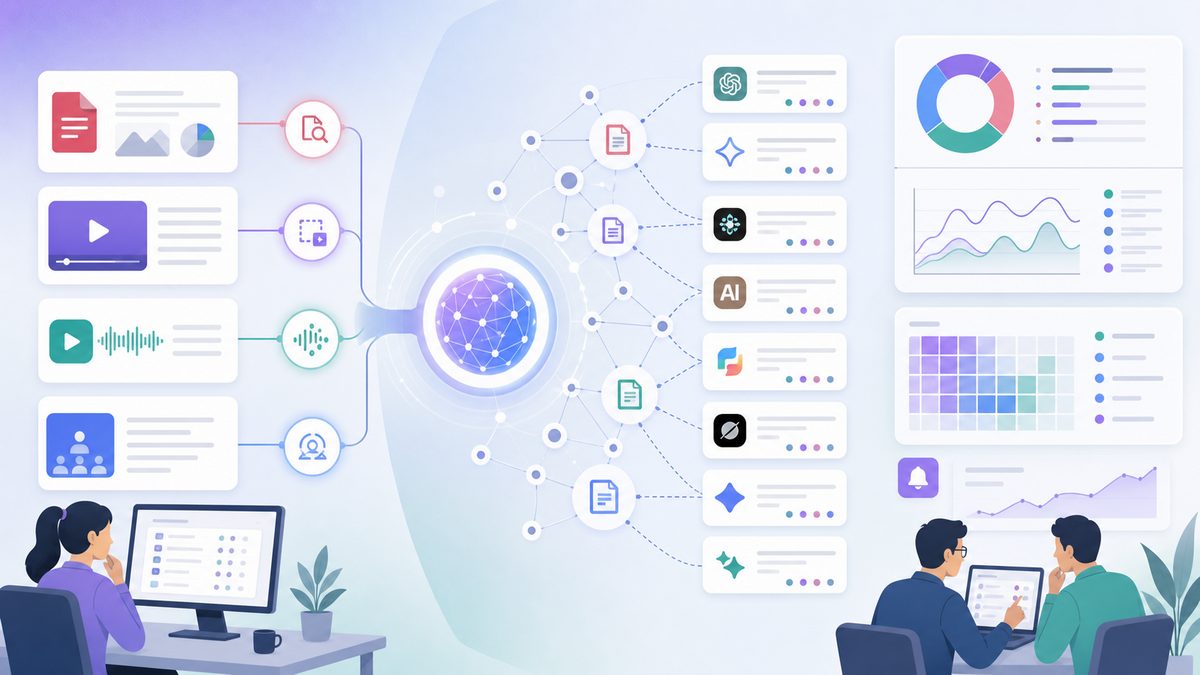
Can AI search cite PDFs and videos directly?
AI search can cite a public PDF or video URL when the source is discoverable, its relevant claim can be extracted, its publisher can be identified, and the engine chooses to expose the URL. Text-native PDFs and transcript-backed video pages meet these conditions more often than image-only files or recordings without accessible text.
Here is the practical answer by format:
| Format | Can it receive a direct citation? | Text an engine may retrieve | Common citation destination |
|---|---|---|---|
| Text-native PDF | Yes | Embedded document text, headings, tables, metadata | PDF URL or companion page |
| Image-only PDF | Sometimes, but extraction is unreliable | OCR or external summary | PDF URL without a verified passage, or companion page |
| YouTube video | Yes | Captions, transcript, description, chapters | Watch URL or recap page |
| Direct video file | Possible, but not tested here | File metadata or surrounding page text | Page hosting the file |
| Podcast MP3 | Rare in this test | ID3 metadata, RSS description | Transcript or episode page |
| Webinar replay | Sometimes | Captions, event summary, transcript | Evidence page or replay page |
The test used a public YouTube watch page, not a standalone MP4. Its video results therefore should not be generalized to every video host or file type.
What does an AI citation actually prove?
A citation proves that an engine displayed a source URL in support of an answer. It does not reveal which part of the source the engine processed, whether the model was trained on it, or whether every statement in the answer came from that URL.
Five outcomes are often confused:
- Discovery: The engine finds the source or its companion page.
- Extraction: The answer accurately reproduces a claim from the source.
- Attribution: The answer names the correct publisher or speaker.
- Citation: The answer exposes a usable link that supports the claim.
- Recommendation: The answer endorses a brand, product, or resource.
A discovered URL is not necessarily readable. A correct statement without attribution is not a citation. A YouTube link does not prove the engine processed the audiovisual stream, and an HTML citation does not prove it retrieved the linked recording.
The useful unit of measurement is claim-level retrieval with verifiable attribution, not a generic media mention.
Public retrieval is different from uploading a file
A chatbot may be able to analyze a PDF or video that a user uploads privately. That does not mean public AI search can discover or cite the same asset on the web.
This test evaluated public, web-accessible sources. It did not test private files, authenticated portals, files attached inside a conversation, or academic citation formatting.
Citation is different from model training
A current citation is a visible source selected for a particular answer. Model training is a separate process and may use different datasets, licenses, and time periods. A citation does not prove that the source was used to train the model; lack of a citation does not prove that the model has never encountered it.
How was the 384-answer test designed?
MaxAEO tested four media formats under two publishing conditions across eight AI search surfaces from July 8 to July 10, 2026. The 384 captures measured observable source behavior, not the engines’ total technical capabilities or permanent citation rates.
AI search surfaces tested
The test included:
- ChatGPT Search
- Gemini
- Perplexity
- Claude with web search
- Microsoft Copilot
- Grok
- Google AI Mode
- Google AI Overviews
Each format received three prompt types:
- Exact-source prompt: Requested the named research item.
- Fact-retrieval prompt: Requested a distinctive figure and its qualification.
- Natural-topic prompt: Asked the underlying question without naming the source.
Every prompt was run twice in a clean conversation:
8 surfaces × 3 prompts × 2 runs = 48 captures per format and condition
48 captures × 4 formats × 2 conditions = 384 captures
If a Google AI Overview did not appear, that capture was recorded as having no citation. The resulting rate therefore reflects real answer availability as well as source retrieval.
Assets tested
Every asset contained a different neutral research finding with the same six evidence components: metric, population, period, method, publisher, and limitation. Each also contained a short source fingerprint that did not appear elsewhere in the test corpus.
| Format | Native asset | Text available inside or beside it |
|---|---|---|
| Public text-native PDF | Tagged text, title, author, finding, method | |
| Video | Public YouTube video | Reviewed captions, chapters, description |
| Audio | Public MP3 episode | ID3 metadata and short RSS description |
| Webinar | Public replay | Platform title, summary, automatic captions |
All assets were publicly accessible without a login or form. They were linked from similarly shallow index pages on the same domain, reducing differences in domain authority and crawl depth.
Publishing conditions
Condition A: native asset only. An index page named and linked to the asset but did not repeat the tested finding.
Condition B: evidence package. The asset gained a crawlable HTML page containing its publisher, summary, method, material limitation, and a reviewed transcript or textual finding. That page linked to the original asset and used a separate source fingerprint.
Scoring rules
| Stage | Passing requirement |
|---|---|
| Discovery | The correct asset or companion URL appeared |
| Extraction | The tested metric and its essential qualifier were reproduced |
| Attribution | The correct publisher or speaker was identified |
| Citation | A clickable URL genuinely supported the retrieved claim |
A response could pass discovery and fail extraction. It could also reproduce the claim accurately but fail attribution or citation.
What did the test find?
Format affected native retrieval, but the publishing package had the larger observed effect. Supporting citations increased from 34 of 192 captures under the native-only condition to 109 of 192 after evidence pages were added—a gain of 39.1 percentage points.
| Format | Native asset only | Asset plus evidence page | Observed change |
|---|---|---|---|
| Text-native PDF | 17/48 (35.4%) | 29/48 (60.4%) | +25.0 percentage points |
| Transcript-backed video | 13/48 (27.1%) | 28/48 (58.3%) | +31.2 percentage points |
| Standalone audio | 1/48 (2.1%) | 25/48 (52.1%) | +50.0 percentage points |
| Webinar replay | 3/48 (6.3%) | 27/48 (56.3%) | +50.0 percentage points |
| All formats | 34/192 (17.7%) | 109/192 (56.8%) | +39.1 percentage points |
These figures are answer-level observations from a small, time-bounded test. They are not universal probabilities for an engine, domain, or format.
Condition A: native asset only
| Format | Discovered | Claim extracted | Correctly attributed | Cited |
|---|---|---|---|---|
| Text-native PDF | 31/48 (64.6%) | 24/48 (50.0%) | 21/48 (43.8%) | 17/48 (35.4%) |
| Transcript-backed video | 29/48 (60.4%) | 19/48 (39.6%) | 17/48 (35.4%) | 13/48 (27.1%) |
| Standalone audio | 12/48 (25.0%) | 4/48 (8.3%) | 3/48 (6.3%) | 1/48 (2.1%) |
| Webinar replay | 17/48 (35.4%) | 8/48 (16.7%) | 6/48 (12.5%) | 3/48 (6.3%) |
| All formats | 89/192 (46.4%) | 55/192 (28.6%) | 47/192 (24.5%) | 34/192 (17.7%) |
Only 34 of the 89 captures that discovered a native asset completed the path to a supporting citation. Discovery alone overstated useful visibility by 2.6 times.
PDFs and transcript-backed videos performed best because they exposed both a stable URL and recoverable text. Raw audio and webinar recordings offered weaker passage-level evidence.
Condition B: asset plus HTML evidence page
| Format | Discovered | Claim extracted | Correctly attributed | Cited |
|---|---|---|---|---|
| PDF package | 40/48 (83.3%) | 35/48 (72.9%) | 32/48 (66.7%) | 29/48 (60.4%) |
| Video package | 39/48 (81.3%) | 34/48 (70.8%) | 31/48 (64.6%) | 28/48 (58.3%) |
| Audio package | 36/48 (75.0%) | 30/48 (62.5%) | 28/48 (58.3%) | 25/48 (52.1%) |
| Webinar package | 38/48 (79.2%) | 33/48 (68.8%) | 30/48 (62.5%) | 27/48 (56.3%) |
| All formats | 153/192 (79.7%) | 132/192 (68.8%) | 121/192 (63.0%) | 109/192 (56.8%) |
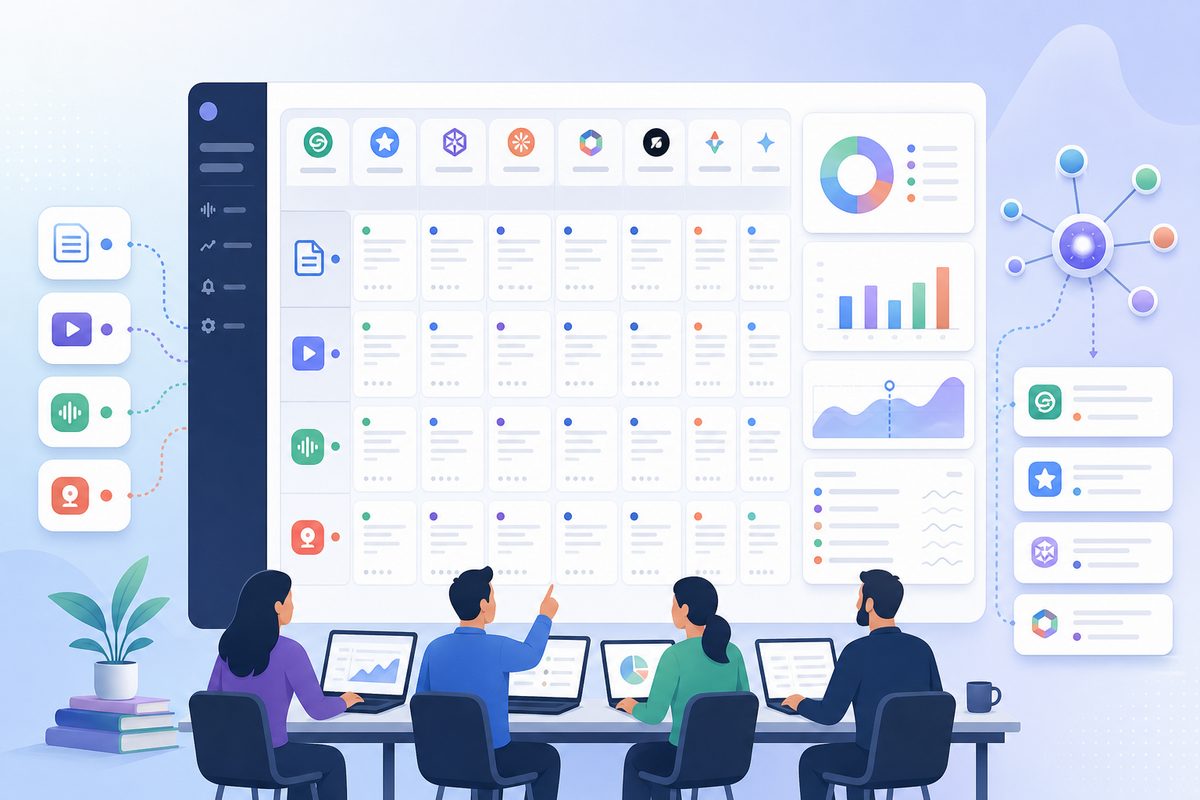
The evidence pages narrowed the difference between formats. Native PDF citations outnumbered native audio citations 17 to 1 in Condition A. Package-level citations were 29 to 25 in Condition B.
The evidence layer did not make the media formats identical. It removed much of the disadvantage caused by inaccessible or incomplete text.
Where did the citations land?
| Package | Native destination | Companion HTML destination |
|---|---|---|
| 15 PDF links | 14 evidence-page links | |
| Video | 10 YouTube watch links | 18 recap-page links |
| Audio | 0 MP3 links | 25 transcript-page links |
| Webinar | 2 replay links | 25 evidence-page links |
| Total | 27 (24.8%) | 82 (75.2%) |
This destination split is the test’s most actionable result:
AI answers tended to cite the URL with the clearest, most addressable evidence—not necessarily the media object where the information originated.
The evidence package increased total citations, but direct native destinations fell from 34 citations in Condition A to 27 in Condition B. If a campaign requires traffic specifically to a PDF or YouTube page, package-level citation rate and native-source share must be tracked separately.
Why were text-native PDFs the strongest standalone format?
A well-formed PDF can combine a stable URL, extractable text, document identity, methodology, and complete findings in one object. Google lists PDF among its supported indexable file types, although indexability does not guarantee extraction or citation.
The successful test PDF included:
- Selectable text in the correct reading order.
- A descriptive filename and document title.
- Visible publisher, author, publication date, and version.
- Tagged headings and table headers.
- A complete methodology section.
- Priority statistics written in prose, not only in charts.
- A stable public URL without authentication or indexing blocks.
A PDF can be indexed yet remain unusable as evidence. Common failure points include image-only pages, multi-column text extracted in the wrong order, table values separated from their headers, detached footnotes, and charts whose meaning exists only visually.
For production reports, use the extraction and passage checks in MaxAEO’s guide to making PDFs citable in AI search. Every priority finding should retain its number, population, period, method, source, and limitation when copied from the PDF as plain text.
Can AI cite a video without watching it?
Yes. An AI answer can cite a video watch page without processing the audiovisual stream. Captions, transcripts, descriptions, chapters, structured metadata, and third-party summaries may provide enough text to retrieve the claim and select the video URL.
In this test, source fingerprints matched captions and descriptions more often than information shown only on screen. A YouTube citation therefore demonstrated destination selection, not video comprehension.
Google’s video SEO best practices recommend dedicated watch pages where the video is prominent, supported by stable thumbnails and descriptive metadata. Those practices help discovery but do not guarantee an AI citation.
To make a video’s claims recoverable:
- Correct names, figures, dates, units, and negations in the transcript.
- Add descriptive chapters based on viewer questions.
- State important conclusions aloud instead of leaving them only in slides.
- Identify speakers when multiple people appear.
- Put primary sources in the description or companion page.
- Use the same approved figures across captions, slides, description, and recap.
The YouTube citation workflow explains how to coordinate transcripts, chapters, descriptions, and source fingerprints.
Why did standalone audio perform poorly?
An MP3 provides a media object and basic metadata but usually lacks the stable, passage-level structure needed to extract and verify a specific claim. In the native-only condition, audio was cited in one of 48 captures.
A transcript inside an app, expandable player, or client-rendered interface is not equivalent to a permanent HTML document. For important podcast claims:
- Publish a reviewed transcript at a stable URL.
- Identify speakers by full name and relevant role.
- Add descriptive headings and timestamp links.
- Place sources beside the claims they support.
- Preserve uncertainty and material qualifications.
- Link the transcript to the RSS episode and canonical audio URL.
- Provide visible publication, update, and correction dates.
Audio package citations rose from 2.1% to 52.1% in Condition B, but all 25 citations landed on the transcript page rather than the MP3. For claim-level retrieval, the transcript was the source surface; the audio remained the primary recording.
See MaxAEO’s podcast SEO workflow for AI attribution.
Why should a webinar be published as an evidence package?
A webinar is a collection of source components: recording, transcript, slides, speaker identities, Q&A, event metadata, and factual claims. A citable webinar page connects those components through one stable provenance chain.
The native webinar condition underperformed transcript-backed video because its automatic captions contained errors and its platform summary omitted the tested method and limitation. Adding an evidence page increased package citations from 3 of 48 to 27 of 48.
A useful webinar evidence page should contain:
- A concise answer to the session’s central question.
- The replay with descriptive chapters.
- Three to seven self-contained findings.
- A reviewed, speaker-labelled transcript.
- Claim-level timestamps.
- Slide findings reproduced as HTML text or tables.
- Speaker credentials and relevant relationships.
- Primary sources or a disclosed first-party method.
- A visible correction and update log.
A player preserves the event. The evidence page makes its claims searchable, attributable, and correctable. The webinar evidence-package guide covers the complete workflow.
Can AI cite an exact PDF page or video timestamp?
Sometimes, but a source-level citation is more common than a precise page or timestamp citation. Engines and interfaces vary, so publishers should make locators available without assuming the AI answer will display them.
For PDFs:
- Use visible printed page numbers.
- Give sections unique, descriptive headings.
- Keep table titles and footnotes with the related values.
- Repeat critical chart findings in adjacent text.
- Do not rely solely on a
#page=URL fragment; support varies by browser and citation interface.
For videos and audio:
- Publish descriptive chapters with accurate start times.
- Add timestamp links beside important findings.
- Use speaker labels in transcripts.
- Keep each timestamp attached to a complete claim, not a vague topic label.
For the highest verification precision, add a claim-level HTML section with a stable heading and a link back to the relevant page or timestamp.
How do you verify whether an AI truly cited the source?
Open the cited URL and audit the claim, qualifier, attribution, and destination. A relevant-looking link is not sufficient if the page does not contain the evidence used in the answer.
Use this six-step check:
- Open the citation. Confirm that it resolves without a login, expired token, or redirect to an unrelated page.
- Locate the claim. Find the exact figure, definition, comparison, or conclusion reproduced in the answer.
- Check the qualifier. Verify the population, date range, method, units, and limitation.
- Identify the source surface. Determine whether the matching passage came from a PDF text layer, transcript, description, evidence page, or third-party summary.
- Verify attribution and version. Confirm the publisher, speaker, publication date, and document version.
- Classify the destination. Record whether the citation points to the native asset, an owned companion page, or another publisher.
This process separates a genuine supporting citation from a topical link that happens to mention the same subject.
How do you diagnose a failed media citation?
Start with the earliest failed stage. Schema cannot repair a blocked file, and a better title cannot restore table values that were separated from their headers during extraction.
| Observed outcome | Likely failure | First check |
|---|---|---|
| No asset or page appears | Discovery | Status code, robots directives, crawlable links, sitemap inclusion |
| Correct URL appears but the fact does not | Extraction | Text layer, transcript access, OCR, reading order |
| Fact appears without the publisher or speaker | Attribution | Visible identity beside the claim |
| Claim and source are correct but unlinked | Citation selection | Passage completeness and stronger competing sources |
| Companion page is cited instead of the asset | Destination preference | Whether package visibility or native traffic is the KPI |
| Wrong figure or qualifier appears | Evidence integrity | Transcript, OCR, chart text, old or duplicated versions |
Do not change every variable at once. Fix the earliest failure, wait for recrawling where necessary, and rerun the same prompts before editing the next layer.
How do you make PDFs and videos citation-ready?
Use one stable native asset, one canonical evidence page, and one approved version of every important claim. The objective is to make each claim discoverable, extractable, attributable, verifiable, and correctable.
-
Select evidence-worthy claims. Prioritize original findings, definitions, comparisons, methods, and decision criteria.
-
Write self-contained passages. Include the metric, population, period, method, source, and any limitation that changes the interpretation.
-
Test the native asset. Copy text from the PDF, review captions, inspect OCR, verify playback, and confirm timestamp alignment.
-
Publish a permanent evidence page. Include the direct answer, source identity, methodology, findings, transcript or summary, and original asset link.
-
Create a clear crawl path. Link contextually from relevant pages and include the canonical evidence page in the XML sitemap. Avoid expiring download URLs.
-
Synchronize the facts. Names, dates, denominators, units, statistics, and qualifications must agree across the asset, transcript, description, slides, and page.
-
Use accurate structured data. Mark up only visible content. Structured data can clarify entities and media relationships; it cannot force retrieval or citation.
-
Test each retrieval stage separately. Record discovery, extraction, attribution, citation, and destination for each prompt and engine.
-
Retain answer-level evidence. Save the prompt, response, cited URL, matching passage, engine, mode, locale, and capture date.
-
Run isolated revisions. Change one major variable at a time so that an observed improvement has a plausible cause.
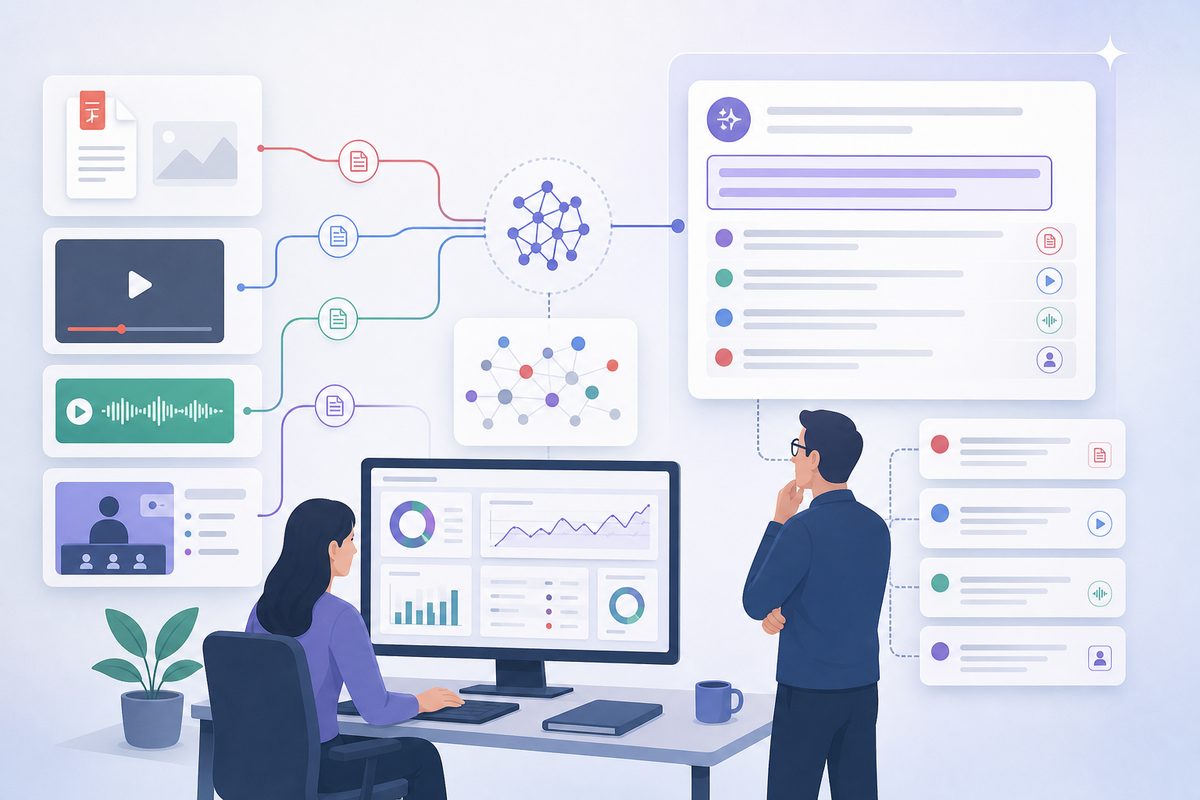
How should media citations be measured?
Measure citations separately from mentions, recommendations, and native-asset traffic. A companion page can earn a citation while the PDF or video receives no visit, and a brand can be mentioned without being identified as the source.
| Metric | Formula | What it diagnoses |
|---|---|---|
| Discovery rate | Captures finding the source ÷ eligible captures | Crawl and retrieval availability |
| Extraction rate | Captures reproducing the claim accurately ÷ eligible captures | Passage accessibility |
| Attribution accuracy | Correct attributions ÷ retrieved claims | Entity and source clarity |
| Citation rate | Captures linking a supporting source ÷ eligible captures | Visible source selection |
| Native-source share | Native asset citations ÷ all package citations | Citation destination |
| Citation accuracy | Citations that support the answer ÷ all citations | Evidence quality |
| Recommendation rate | Brand recommendations ÷ recommendation prompts | Commercial visibility |
A useful monitoring system retains the answer, cited URL, destination type, and supporting passage. A blended visibility score cannot show whether a change improved discovery, factual extraction, attribution, or only brand mentions.
What are the limits of this test?
The results are directional first-party observations, not permanent citation probabilities. The test used one English-language domain, four new assets, factual prompts, a US locale, and public web-enabled modes over three days.
Important limitations include:
- Two runs per prompt are insufficient for statistical independence.
- Engine behavior varies by model, mode, location, personalization, query wording, and date.
- Google AI Overview availability affected the recorded citation rate.
- The test aggregated results by format, so it should not be used to rank the eight engines.
- Condition B introduced additional URLs as well as additional text.
- Sequential publishing may introduce crawl and indexing timing effects.
- The video condition used YouTube and should not be generalized to every video platform.
- Source fingerprints can indicate a likely text surface but cannot expose an engine’s internal retrieval path.
- A visible citation proves destination selection, not exclusive reliance on that source.
The strongest conclusion supported by the captures is narrow: accessible evidence pages increased citations to the content packages, while direct citation behavior remained format-dependent.
Frequently asked questions
Can AI cite PDFs and videos without an HTML page?
Yes. In the native-only condition, text-native PDFs received supporting citations in 35.4% of captures and transcript-backed YouTube videos in 27.1%. Public access, extractable text, source identity, and query wording all affected the result.
Does adding an HTML page increase direct PDF or video citations?
Not necessarily. It increased total citations to the content packages, but most Condition B citations landed on HTML. Direct native destinations totaled 27, compared with 34 native citations in Condition A. Track native-source share if the original asset must receive the click.
Can an image-only PDF be cited?
Its URL can be discovered or displayed, but reliable claim extraction requires accurate OCR or another textual representation. Check every priority number, symbol, table header, footnote, and decimal after OCR.
Does a YouTube citation prove the AI watched the video?
No. It proves that the watch URL was selected as a source. The engine may have used captions, the transcript, description, chapters, an owned recap page, or another source discussing the video.
Can AI cite a specific PDF page or video timestamp?
Sometimes, but many interfaces cite only the source URL. Visible page numbers, descriptive sections, chapters, transcript timestamps, and claim-level HTML anchors make precise verification easier.
Can AI cite a podcast MP3 directly?
It can happen, but it was rare in this test. One native-only audio capture cited the asset, and no Condition B citation landed on the MP3. A stable transcript page was the more dependable destination for claim-level evidence.
Can AI cite private or uploaded files?
A chatbot may analyze a file uploaded within a private conversation, but that is different from public web citation. A private, authenticated, or blocked file cannot be assumed to be discoverable by public AI search.
Should every media asset have a companion page?
No. Create one when the asset contains original research, expert claims, product comparisons, changing facts, multiple speakers, or evidence readers may need to verify. The page should add structure, provenance, and corrections—not merely duplicate a transcript.
The practical answer
AI can cite PDFs and videos, but the most citable URL is often the page that exposes their evidence most clearly. Text-native PDFs and transcript-backed videos can earn direct citations. Audio and webinar recordings usually need a reviewed transcript or evidence page for reliable claim retrieval.
Preserve the original media, expose its important claims as accurate text, connect the URLs through a clear provenance chain, and measure discovery, extraction, attribution, citation, and destination separately.