When AI quotes outdated documentation, it is rarely a hallucination. It is retrieval working exactly as designed: your v1 docs have three more years of backlinks, forum threads and Stack Overflow answers pointing at them than your v3 docs do. The engine picks the page with the strongest signals, not the page with the highest version number.
The fix is not "publish more content." It is a versioning, canonical and deprecation-signal job — plus a repeatable test that shows which version each engine actually reaches for.
This piece gives you the retrieval mechanics, a diagnostic you can run with curl today, a 30-minute test protocol, a five-layer signal stack, a fix matrix for every state an old page can be in, and a release-day checklist that stops the problem recurring.
What does it mean when AI quotes outdated documentation?
AI quotes outdated documentation when an answer engine retrieves, cites or paraphrases a superseded version of your docs — retired API syntax, an old pricing tier, a renamed feature — instead of your current page. The output is usually fluent and internally consistent. It is just describing a product that no longer exists.
Three distinct failure modes hide under that one symptom, and they need different fixes:
- Retrieval version drift — the engine fetches a live URL, but it is
/docs/v1/authrather than/docs/auth. - Parametric staleness — the model answers from training weights with no fetch at all, so nothing you ship this week changes the answer.
- Third-party echo — the engine cites a 2023 tutorial, a comparison page, or a syndicated copy that quoted your old docs accurately at the time.
Only the first is fully under your control. The second and third are influenceable, and the playbook below covers all three.
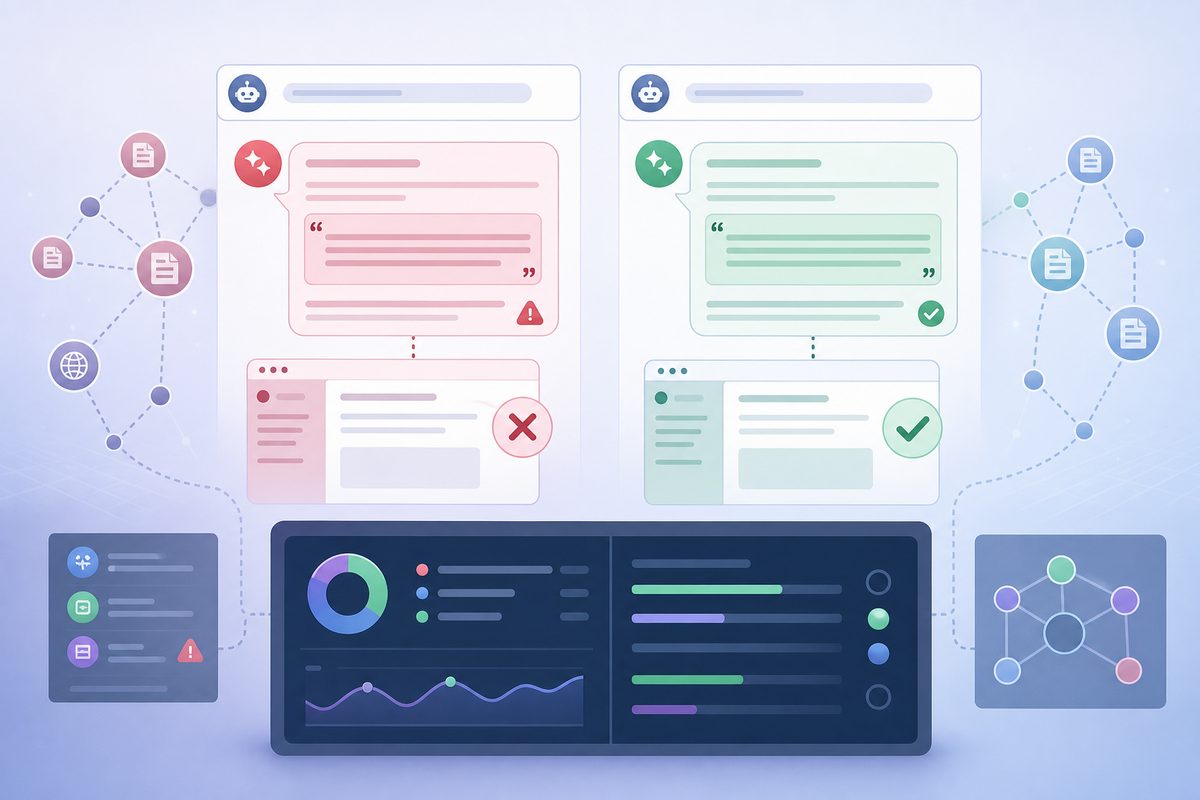
What version drift actually costs
Three costs show up before anyone opens a ticket about "AI visibility":
- Support load. Users arrive quoting request syntax you removed, having never seen your migration guide.
- Broken integrations. Developers pasting AI-generated code ship calls against retired endpoints, then blame your API.
- Lost deals. Superseded pricing tiers, rate limits and regional availability keep circulating in buyer research chats long after you change them.
Why retrieval prefers your old docs
Old versions win on the exact signals retrieval systems were built to trust. Age, link volume and click history accumulate on the URL that has existed longest, and none of it resets when you ship v3.
Four forces stack against your current page:
- Link gravity. Every blog post, Stack Overflow answer and internal wiki written during v1's lifetime points at v1 URLs. Those links do not migrate.
- Near-duplicate clustering. Search indexes group highly similar URLs and elect one representative. If v1 and v3 read 80% the same, the cluster can elect the older, better-linked one.
- Semantic tie-breaks. Embedding similarity cannot separate "v1 auth guide" from "v3 auth guide" — the text is nearly identical, so version gets decided by rank signals, not meaning.
- Crawl recency vs. index recency. Your v3 page can be crawled and still sit behind v1 in the index for weeks.
Research on version-aware retrieval names the core symptom precisely: version conflation, where a system blends content from multiple versions and reports the same function as both deprecated and stable. In VersionRAG: Version-Aware Retrieval-Augmented Generation for Evolving Documents, naive RAG scored 58% accuracy on version-sensitive questions and GraphRAG 64%, versus 90% for the version-aware pipeline. On implicit changes — behaviour that shifted without a documented note — baselines scored 0–10%.
Read that gap as your opportunity. Generic retrieval is structurally bad at versions, so explicit version signals carry disproportionate weight.
How often do models actually reach for deprecated material?
Often enough to be a budget line, not an edge case. The clearest public measurement comes from code completion, where deprecation is objectively verifiable.
The empirical study LLMs Meet Library Evolution: Evaluating Deprecated API Usage in LLM-based Code Completion evaluated seven models across 145 API mappings from eight Python libraries and 28,125 completion prompts.
| Condition in the prompt context | Deprecated usage rate |
|---|---|
| Overall, across seven models | 25–38% |
| Context containing outdated API usage | 70–90% |
| Context containing up-to-date usage | 9–18% |
The 70–90% row is the one that should change your roadmap. Context contamination dominates. When the surrounding material a model sees is old, it produces old output between seven and nine times out of ten — regardless of what your current docs say.
That is the mechanism behind the whole problem. Your deprecated pages, your old release notes, and every third-party tutorial quoting them are the contaminated context. The study names two root causes: deprecated usage sitting in training corpora, and the absence of any signal about deprecation at inference time. Your job is to supply that missing signal in a form retrieval can read.
Diagnose first: inventory your contaminated context
Before you touch a template, find out how much old surface is live and quotable. Four checks, ten minutes:
# 1. Does the deprecated page announce itself in HTTP?
curl -sI https://example.com/docs/v1/auth | grep -iE 'sunset|^link|x-robots-tag'

# 2. Does the deprecation banner survive text extraction?
#    Strip tags and read the first 40 lines — that is roughly what a retriever sees.
curl -s https://example.com/docs/v1/auth | sed 's/<[^>]*>//g' | grep -v '^\s*$' | head -40

# 3. Is the current page reachable without JavaScript?
curl -s https://example.com/docs/auth | grep -c 'X-Api-Key'
Then two search operators:
site:example.com inurl:v1— how much retired documentation is still indexable."X-Api-Key" example -site:example.com— third-party pages echoing syntax you retired. Swap in any string unique to the old version.
If check 2 does not show your deprecation warning in the first few lines of plain text, no engine is reading it. That single result predicts most version drift we see in docs audits — the banner exists, but only visually.
The version pull test: find out which version each engine reaches for
The version pull test is a 30-minute protocol that reveals which version of your documentation each answer engine retrieves for real user questions. Run it once per quarter and 14 days after every major release.
- Pick 10 version-sensitive prompts. Use questions where v1 and v3 answers differ visibly: authentication flow, rate limits, SDK install command, webhook payload shape, a renamed setting.
- Ask each engine in a fresh session. ChatGPT, Gemini, Perplexity, Claude, Copilot and Google AI Mode. No memory, no prior turns, no leading phrasing like "in the latest version."
- Record the cited URL, not just the answer. The path segment is the evidence:
/v1/,/legacy/,/2023/, or a subdomain likedocs-old.. - Classify each answer as current, stale-but-cited-current-URL, stale-and-cited-old-URL, or no citation.
- Ask one follow-up per engine: "Which version does that apply to?" A model that cannot name the version is reading a page with no version signal at all.
- Repeat the same prompts without web access where the engine allows it. Divergence between the two runs separates retrieval drift from parametric staleness.
Score it in a table you can hand to a stakeholder:
| Prompt | Engine | Cited URL | Version served | Correct? | Failure mode |
|---|---|---|---|---|---|
| "How do I authenticate with [product]?" | ChatGPT | /docs/v1/auth |
v1 | No | Retrieval drift |
| "What are [product] rate limits?" | Perplexity | third-party tutorial, 2023 | v1 | No | Third-party echo |
| "Install the [product] SDK" | Gemini | /docs/quickstart |
v3 | Yes | — |
Turn the table into one number you can trend: Version Accuracy Rate = citations resolving to current-version URLs ÷ all citations of your docs. Track the direction across releases rather than chasing an absolute target — a VAR that drops after every ship tells you the release process, not the docs, is the defect.
The pattern in the "failure mode" column tells you which section of the playbook to run. A column full of retrieval drift means your canonical and URL work is undone. A column full of third-party echo means the problem lives off-site, where the deciding factors are the same ones behind how ChatGPT, Perplexity and Gemini choose which brands to cite.
The version signal stack: four layers plus one prerequisite
Most guides stop at "add a canonical tag." That is one layer, and it is the layer with the weakest guarantee. Version signals work in a stack, because different engines read different layers. A crawler reads HTTP headers, an extractor reads visible text, a live-browsing agent reads the rendered DOM. The wider mechanics of getting developer documentation quoted at all sit underneath everything here.
Prerequisite: confirm the right crawlers can fetch your current docs
Version signals are worthless on a page nothing can retrieve. AI crawlers use distinct user agents with distinct jobs, and blanket-blocking them is a common own goal:
- OAI-SearchBot surfaces pages in ChatGPT search results; GPTBot gathers training data; ChatGPT-User fetches on a user's request. Blocking the first removes you from live citations even while training exposure continues.
- PerplexityBot and ClaudeBot behave similarly for their surfaces.
- Google-Extended governs Gemini and Vertex AI grounding only. It does not control Google Search indexing or AI Overviews — those follow ordinary Googlebot rules, so disallowing Google-Extended does not remove you from AI Overviews.
Check your robots.txt for a stale blanket Disallow on these agents before blaming your canonicals.
Layer 1: URL and canonical structure
Put the current version at an unversioned URL. /docs/auth should always serve current; /docs/v1/auth and /docs/v3/auth are archives and pins. That gives every future link a stable, version-free target and stops link equity fragmenting with each release.
For canonicalization itself, follow the strength ordering in Google's canonicalization documentation: redirects are a strong signal, rel="canonical" annotations are a strong signal, sitemap inclusion is weak. Google also states plainly that noindex is not a canonicalization method — using it to hide old versions removes the page from the index without transferring anything to your current page.
Practical rule: redirect when the old page has no standalone reason to exist; canonicalize when it does. A retired API version customers still run in production has a reason to exist. A duplicated marketing paragraph does not.
Layer 2: A deprecation banner that survives text extraction
This is the layer most teams get technically wrong. A banner rendered as a coloured <div> with an icon reads perfectly to a human and can vanish entirely in text extraction — or survive as a stray sentence with no association to the content below it.
Write the banner so it works as a standalone sentence:
This page documents API v1, deprecated on 14 March 2026 and scheduled for shutdown on 30 September 2026. The current version is API v3. See the v1-to-v3 migration guide.
Four properties make it machine-legible:
- First element in the main content area, above the H1 if your template allows, never in a sidebar or sticky footer.
- Server-rendered, not injected by client-side JavaScript after load.
- Explicit dates in plain text, not "deprecated last year."
- Named replacement with a link, so the retriever has somewhere to go next.
Then repeat the version in the H1: Authenticate with the API (v1 — deprecated). Headings survive nearly every extraction pipeline, so an engine reading only your heading tree still gets the warning.
Layer 3: HTTP and structured-data signals
Two underused signals let you state deprecation in machine-readable form, and almost nobody in the AEO conversation uses either.
The Sunset HTTP header, defined in RFC 8594, announces that a resource is expected to become unresponsive at a specific time:
Sunset: Wed, 30 Sep 2026 23:59:59 GMT
Link: <https://example.com/docs/migrate-v1-v3>; rel="sunset"; type="text/html"
The spec defines the sunset link relation as pointing at sunset policy, upcoming sunset details, or sunset mitigation — which is exactly what a migration guide is. Serve this on every deprecated docs URL.
The schema.org expires property does the same job in structured data. It is defined on CreativeWork with a Date or DateTime value, indicating when content is no longer useful or available. Combined with an honest dateModified and a TechArticle type, a deprecated page declares its own obsolescence:
{
  "@type": "TechArticle",
  "headline": "Authenticate with the API (v1 — deprecated)",
  "dateModified": "2026-03-14",
  "expires": "2026-09-30",
  "isPartOf": { "@type": "CreativeWorkSeries", "name": "API v1 documentation" }
}
Neither signal is a documented ranking lever. Both are cheap, standards-based and unambiguous — and unambiguous is the whole point when the underlying failure is ambiguity between two near-identical pages.
Layer 4: The off-site layer
Your v1 page can be perfect and still lose, because the engine never visits it. Old versions get quoted through surfaces you do not own: tutorials, aggregators, syndicated reposts, comparison pages.
Three moves that actually shift this:
- Audit the top 20 pages linking to your v1 docs and request updates on the handful with real traffic. Offer the migration guide URL — most maintainers accept a one-line diff.
- Fix your own duplicates first. A syndicated copy of your docs on a partner site or dev community competes with the original; the mechanics are the same ones that decide who wins the citation when your content lives in two places.
- Publish a version-comparison page at a stable URL. "v1 vs v3: what changed" is a page nobody else can write, and it becomes the natural citation for every "which version" question.
The fix matrix: what to do with each old page
Not every deprecated page gets the same treatment. Match the action to the state:
| State of the old page | Reader still needs it? | Action | Primary signal |
|---|---|---|---|
| Superseded, same concept, same URL slug | No | 301 to current page | Redirect (strongest) |
| Retired version still running in production | Yes | Keep live, banner + Sunset header + canonical to current |
Banner + HTTP header |
| Feature renamed | Yes, for search recall | Keep as a short stub explaining the rename, link forward | Visible rename sentence |
| Feature removed entirely | Rarely | Tombstone page with removal date and alternative | expires + banner |
| Duplicate of current page, no version meaning | No | Consolidate, 301 | Redirect |
| Old release notes / changelog entries | Yes, permanently | Leave indexed, date-stamped, no canonical to current | Explicit date in text |
Do not canonicalize changelog entries to current docs. Changelogs are the one archive where age is the value, and they are frequently the source an engine uses to answer "when did this change?" — the question baseline retrieval fails hardest at.
A before-and-after rewrite of a deprecated page
The same page top, written two ways.
Before — invisible deprecation:
Authentication
Use your API key in the
X-Api-Keyheader. Keys are generated in the dashboard under Settings → API.
Nothing here dates the page, versions it, or points forward. Extracted into a retrieval index it is indistinguishable from current documentation — and it is older and better-linked, so it wins.
After — self-describing deprecation:
Authentication (API v1 — deprecated)
This page documents API v1. v1 was deprecated on 14 March 2026 and stops responding on 30 September 2026. The current version is API v3, which uses OAuth 2.0 bearer tokens instead of static API keys. Follow the v1-to-v3 migration guide to upgrade.
What v1 authentication does
API v1 uses a static API key in the
X-Api-Keyheader…
The second version answers "which version is this?" in its first line, names the successor, gives a hard date, and states the actual technical difference. An engine that quotes this page still gives the user a correct answer, because the deprecation travels with the quote. That is the realistic goal — not preventing every citation of old material, but making every citation carry its own expiry date.
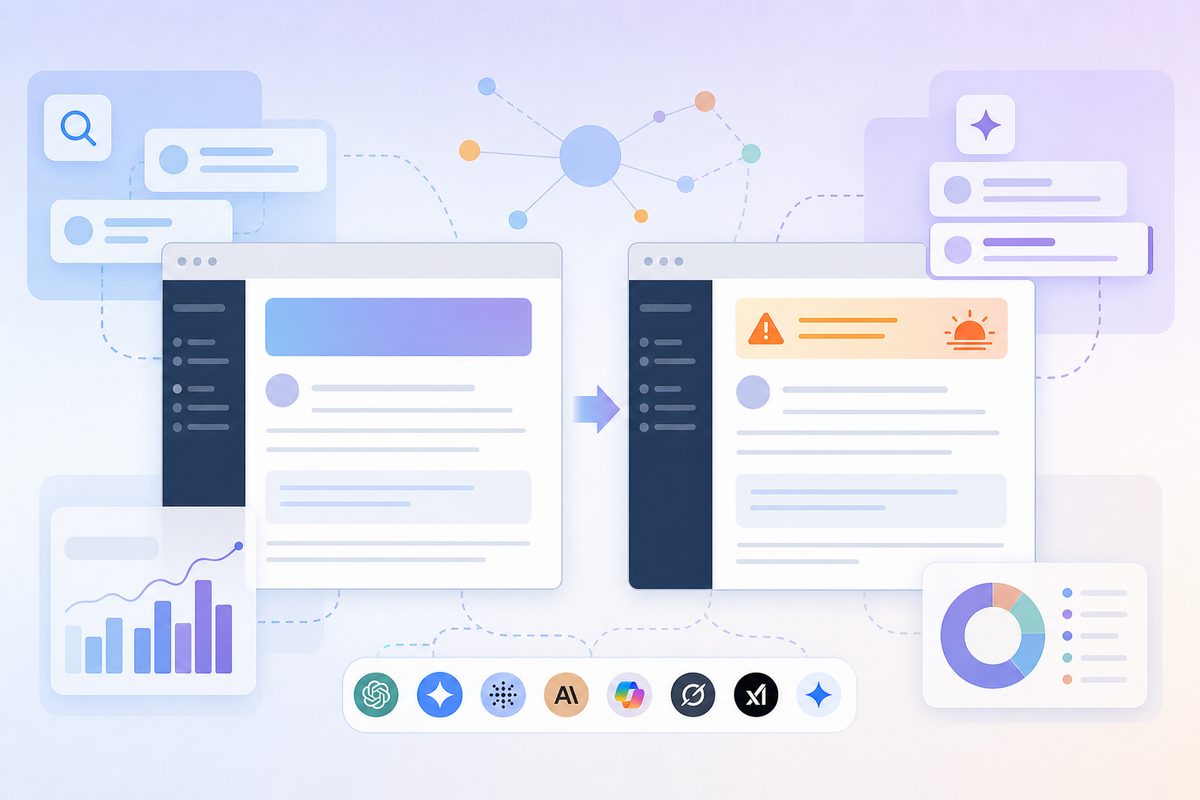
The release-day checklist
Version drift is created on release day and discovered a quarter later. Attach this to the release ticket:
- Migration guide is live at a stable URL before the deprecation is announced.
- The unversioned URL (
/docs/auth) now serves the new version. - Every superseded page has a server-rendered banner with explicit dates, plus the version in its H1.
-
Sunsetheader andrel="sunset"link deployed on retired paths. - Redirect map applied for pages with no standalone reason to exist.
- Changelog entry names both version numbers and the calendar date, in plain text.
- Top 5 third-party tutorials identified and update requests sent.
- Version pull test re-run 14 days post-release; Version Accuracy Rate logged.
When the wrong version lives in model memory, not the index
If your test showed identical stale answers with and without web access, the problem is parametric — the model learned your old docs and is not fetching anything. No canonical tag reaches into training weights.
What actually moves parametric staleness:
- Volume of current-version material in future crawls. Every new page, changelog entry and integration guide naming v3 shifts the balance for the next training cut. Slow, and real.
- Grounded surfaces first. Perplexity, Google AI Mode, AI Overviews and browsing agents fetch live. Winning there is achievable this quarter, and the same pages feed future training sets.
- Reducing contradictory old material. Fewer live pages asserting v1 behaviour means fewer retrieved passages reinforcing it.
Be honest with stakeholders about timelines. Retrieval drift is a two-to-six week fix. Parametric staleness is a two-to-three release-cycle fix. Promising the second on the first's schedule is how AEO programmes lose credibility.
How to monitor version accuracy after you ship
One-time cleanups decay. Every release creates a new "old version," and the cycle restarts. Treat version accuracy as a monitored metric, not a project.
A workable monthly cadence:
- Re-run the version pull test on the same 10 prompts, so results are comparable release over release.
- Track cited-URL composition, not mention counts. "We were mentioned 40 times" is worthless if 30 of those cited
/v1/. - Alert on new stale citations within days of a release, when correction is cheapest.
- Segment by engine. Version accuracy is rarely uniform across ChatGPT, Perplexity and AI Overviews, because their retrieval stacks differ.
This is where continuous ai search monitoring beats a one-off audit — a single snapshot cannot show direction of travel, which is the whole argument in free AI visibility reports vs ongoing monitoring. MaxAEO tracks which URLs each engine cites for your prompts daily, so a regression to a deprecated path surfaces as a change, not as a support ticket six weeks later.
Worth checking beyond docs, too: the surfaces engines favour for your category may not be the ones you version at all, and the page types AI actually cites for SaaS brands routinely include reference material nobody on the team owns.
Five mistakes that make version drift worse
- Blocking old versions in
robots.txt. The URL still gets discovered through external links, and now crawlers cannot read the deprecation banner you just wrote. You hid the warning, not the page. - Bulk
noindexon all old versions. Removes pages without consolidating anything, and strips the archive that answers legitimate "how did v1 work?" questions. - Client-side deprecation banners. If the warning renders after JavaScript execution, some extraction pipelines never see it.
- Bumping
dateModifiedsitewide on every deploy. When every page claims it changed today, the freshness signal stops carrying information — and genuinely updated pages lose their advantage. - Version numbers only in the URL.
/v1/in the path is invisible once a passage is extracted. The version must appear in the H1 and the first paragraph to survive quoting.
Frequently asked questions
Should I delete old documentation versions entirely?
Rarely. Deleting removes the deprecation notice along with the content, so third-party pages quoting v1 become the only surviving explanation — and they carry no warning. Keep a lightweight archived version with a banner, a Sunset header and a canonical to the current page. Delete only when a version was never publicly released or contains security-sensitive detail.
Does a canonical tag stop AI from quoting old versions?
Partially. Canonical annotations are a strong consolidation signal for indexed search, and engines built on those indexes inherit the benefit. But a live-browsing agent fetching a URL directly reads the rendered page, not the canonical target. That is why the visible banner and the H1 version label matter as much as the tag.
How do I know which version an AI engine used?
Ask the question, then ask "which version does that apply to, and what URL did you use?" Compare the cited path against your current docs. If no URL is given, re-run without web browsing — matching stale answers in both runs point to training data rather than retrieval. Log results the same way each release so you can see the trend.
AI is quoting a third-party tutorial with our old API. What can I do?
Work the source, not your own HTML. Rank the referring pages by traffic, send maintainers a one-line correction plus the migration guide URL, and publish a "v1 vs v3: what changed" page at a stable URL so there is a current, quotable answer competing for the same question. Expect partial wins — the goal is to outweigh the stale corpus, not erase it.
Does an llms.txt file fix version confusion?
No major engine has confirmed reading llms.txt, and no measured citation lift has been published. It costs little to maintain, but it is not a substitute for redirects, banners and Sunset headers, which are read by pipelines that demonstrably exist.
Are Sunset headers and schema expires actually read by AI crawlers?
No engine publicly documents either as a ranking factor. Both are standards-based, machine-readable declarations that cost almost nothing to add and remove ambiguity for any pipeline that does parse them. Treat them as insurance and clean metadata — the banner and canonical work carries most of the load.
How long until answers reflect my current documentation?
For retrieval-driven engines, expect two to six weeks after redirects, banners and canonicals ship; recrawl timing is the bottleneck. For answers coming from model memory, expect improvement across training cycles rather than weeks. Measure the two separately, or you will misattribute a slow fix to a broken one.
The takeaway: AI quotes outdated documentation because your old pages are better-connected and more ambiguous than your new ones. Kill the ambiguity with URL structure, redirects, extraction-proof banners and machine-readable sunset signals — then measure which version each engine reaches for, every month, so the next release does not quietly recreate the problem.