
By maxaeo.ai | Published 2026-11-01 | Updated 2026-11-01
If you are wondering why ChatGPT fails to fetch URL content, the problem is usually an access or rendering failure—not necessarily a problem with the page itself. ChatGPT may be unable to retrieve a URL because of a temporary service issue, a blocked crawler, a redirect chain, a JavaScript-dependent page, an invalid response, or a safety restriction.
This guide separates those causes and provides a practical troubleshooting sequence for both ChatGPT users and website owners.

What does a ChatGPT URL fetch failure mean?
A ChatGPT URL fetch failure means the retrieval system could not obtain usable content from the requested address. The URL may work normally in Chrome while still failing for an AI system because AI retrieval uses different network paths, request headers, security checks, timeouts, and content-processing rules.
There are three important possibilities:
- The URL cannot be reached. The server returns an error, times out, blocks the request, or requires authentication.
- The URL can be reached but cannot be parsed. The content depends heavily on client-side JavaScript, a PDF viewer, an embedded application, or an unusual response format.
- The URL is not selected for safety or retrieval reasons. ChatGPT may refuse or avoid certain links even when the origin server is healthy.
OpenAI’s own troubleshooting guidance recommends checking service status, disabling VPNs and extensions, trying another browser or network, and collecting technical logs if the issue persists. (help.openai.com)
Why does ChatGPT say it cannot open a website?
The most common reasons are server-side blocking, unstable responses, inaccessible content, or a mismatch between the URL and the browsing mode being used.
1. The website returns a 403, 406, or challenge page
A Web Application Firewall may identify AI traffic as automated and return a CAPTCHA, bot-check page, or access-denied response instead of the article. From a human browser, the page appears normal because the browser completes cookies or JavaScript challenges that the retrieval system cannot complete.
Review your WAF, CDN, and bot-management logs for:
- HTTP 403, 406, or 429 responses
- Requests challenged before reaching the application
- Rules triggered by user agent, IP reputation, geography, or rate
- Missing cookies or JavaScript challenge tokens
- Security policies applied to
/blog/,/docs/, or PDF paths
For website operators, the key test is not “Can I open the page?” but “What response does an unauthenticated automated client receive?” MaxAEO’s guide to debugging WAF 403 errors for OpenAI crawlers covers this distinction in more detail.
2. The server times out or responds too slowly
A page can load for a human after several seconds but still fail an automated fetch because the retrieval request has a shorter practical timeout. Slow database queries, overloaded origin servers, cold serverless functions, and excessive third-party scripts can all contribute.
Test the exact URL repeatedly and record:
- DNS lookup time
- TLS negotiation time
- Time to first byte
- Total response time
- Status code
- Whether the result changes between requests
A useful diagnostic pattern is to compare the homepage, a static article, and a dynamic application route. If static pages succeed while application routes time out, the issue is probably architectural rather than a broad domain block. For a focused workflow, see how to fix ChatGPT search crawler timeout errors.
3. Redirects lead to an inaccessible destination
ChatGPT may receive a short URL, tracking URL, HTTP address, or regional link that redirects through several destinations. Failures become more likely when the chain includes:
- More than two or three redirects
- HTTP-to-HTTPS changes combined with domain changes
- Cookie-dependent redirects
- Geo-based routing
- Login or consent interstitials
- Expired campaign parameters
Use the final canonical HTTPS URL when asking ChatGPT to read a page. Website owners should check the complete redirect chain with a command-line request or server log, not only the final page in a browser.
4. The useful text appears only after JavaScript runs
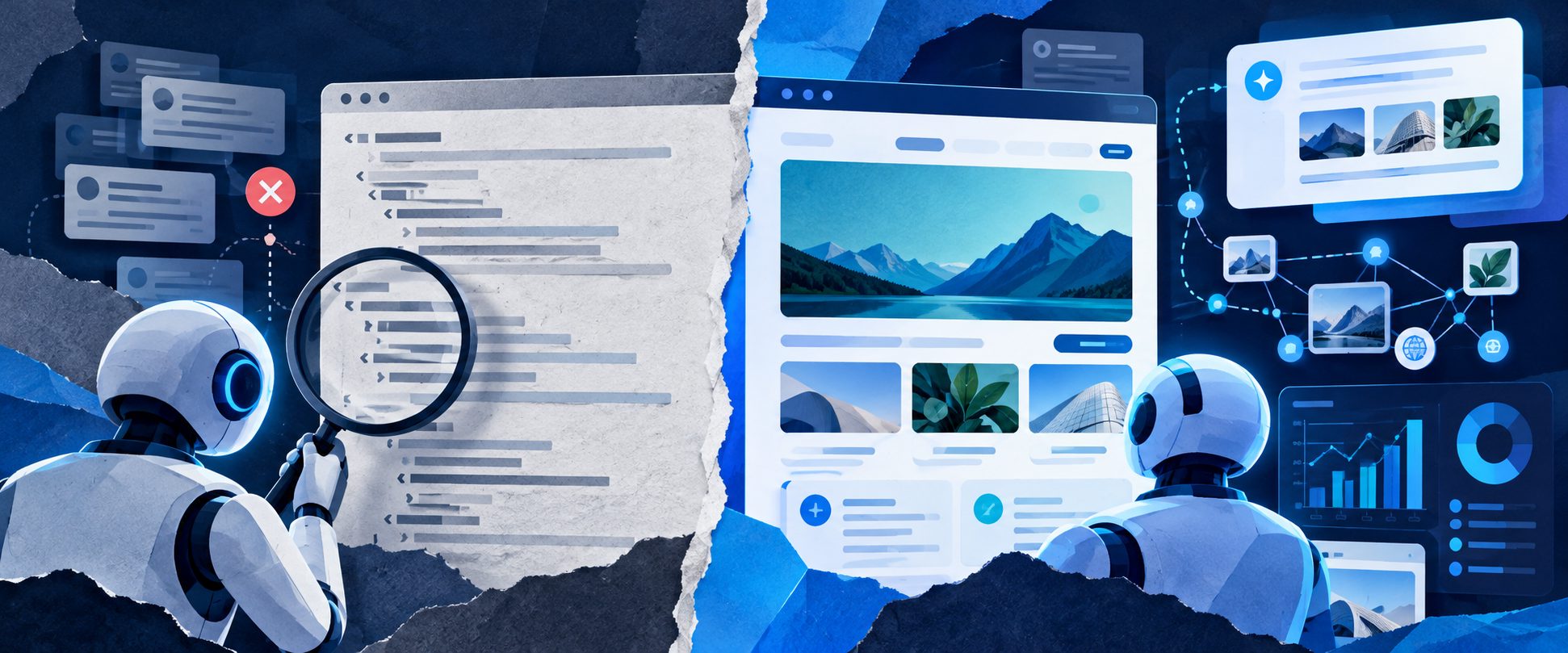
Many modern sites send a minimal HTML shell and load the article body through JavaScript. A normal browser executes those scripts; a retrieval system may receive only navigation elements, an empty content container, or a “loading” message.
Improve fetchability by ensuring that important content exists in the initial HTML response:
- Article title and main text
- Product or service description
- Author and publication details
- Tables, definitions, and key specifications
- Stable canonical URL
- Clear internal links
JavaScript is not automatically a problem. The practical issue is whether the page still contains meaningful, readable content before client-side rendering finishes.
How can you troubleshoot a ChatGPT URL fetch error?
Follow these steps in order so that each test eliminates a different class of failure.
Step 1: Confirm the URL itself
Open the exact address in a private browser window. Check for spelling errors, expired parameters, authentication requirements, and regional restrictions. Then test the canonical version without tracking parameters.
Do not assume that a page being visible in your logged-in browser means it is publicly fetchable.
Step 2: Check whether ChatGPT search is enabled
ChatGPT’s web search availability can depend on the account, workspace, app version, usage limits, and administrator settings. OpenAI recommends starting a new conversation, checking the tools menu, updating the app, and verifying workspace permissions when search is unavailable. (help.openai.com)
This is different from a website-specific fetch failure. If no URL works, investigate the ChatGPT account, browser, network, or service status first. If only one domain fails, investigate the destination site.
Step 3: Test without browser interference
Try an incognito window, a different browser, or another device. Temporarily disable extensions that modify pages, block scripts, filter traffic, or rewrite URLs. Also test without a VPN, proxy, secure-DNS filter, or corporate network control.
OpenAI specifically lists extensions, VPNs, proxies, secure DNS, cache, cookies, and network configuration among common causes of ChatGPT errors. (help.openai.com)
Step 4: Inspect the server response
For a website you control, request the URL without relying on a full browser. Check whether the server returns:
200 OKwith the expected content- The correct
Content-Type - A valid character encoding
- A reasonable response time
- No unexpected login page or challenge
- No redirect to a private or unsupported destination
A successful 200 response is necessary but not sufficient. The body must also contain the content that an AI retrieval system can interpret.
Step 5: Compare origin and CDN behavior
Temporarily compare application logs with CDN or WAF logs. If the request appears at the CDN but never reaches the origin, a perimeter rule is likely responsible. If it reaches the origin and returns a 200 response, inspect the HTML body, compression, redirects, and response size.
Keep a timestamp, URL, status code, user-agent value, and request ID for each test. This creates evidence that is more useful than repeatedly asking ChatGPT to retry.
Why can ChatGPT fetch one page but not another?
ChatGPT may fetch one page successfully while failing on another because access is evaluated at the URL and response level, not only at the domain level.
For example, a public homepage may be static and fast, while a documentation page may sit behind a stricter WAF rule. A blog article may return server-rendered text, while a pricing page may require JavaScript and API calls. A PDF may be downloadable in a browser but difficult to parse if the server sends the wrong content type or requires a temporary token.
This is why troubleshooting should compare at least three URLs:
| Test URL | What it reveals |
|---|---|
| Homepage | Basic domain reachability |
| Static article or documentation page | HTML and content extraction |
| Dynamic app, PDF, or gated page | Rendering, file, or access restrictions |
How can website owners improve AI fetchability?
The strongest improvement is to make important information public, stable, fast, and machine-readable.
Use permanent HTTPS URLs, minimize redirect chains, render core content in HTML, return accurate status codes, and avoid placing essential facts behind login walls or interaction-only components. Review WAF rules for legitimate AI search traffic rather than broadly disabling security controls.
Also distinguish two goals:
- Fetchability: Can a retrieval system access and parse the page?
- Discoverability: Can an AI search system find and select the page for a user’s question?
A page can be fetchable but not discoverable. OpenAI explains that ChatGPT search ranks results using multiple relevance and reliability factors, and that placement is not guaranteed. It also advises website owners to allow OAI-SearchBot and permit traffic from OpenAI’s published searchbot IP addresses for eligibility in search results. (help.openai.com)
To monitor the difference, track AI search citations and source domains rather than relying only on whether one manual URL request succeeds. MaxAEO can compare brand mentions, citations, sentiment, and competitor visibility across eight AI engines, with daily monitoring and preserved source answers.

Frequently asked questions
Does a 403 always mean ChatGPT is blocked?
No. A 403 can come from a WAF rule, authentication layer, regional policy, or a temporary security challenge. Confirm the response in logs and compare it with a normal public request.
Can robots.txt cause a URL fetch failure?
It can affect crawler-based discovery and access policies, but not every ChatGPT retrieval failure is caused by robots.txt. Check status codes, WAF events, redirects, and HTML content as well.
Why does retrying sometimes work?
A retry may succeed if the issue is transient server load, a temporary network path, a rate limit, or a service-side incident. Repeated failure on the same URL points more strongly to a persistent access or rendering problem.
Should I remove my firewall?
No. The safer approach is to identify the exact rule causing the failure, preserve normal protections, and create a narrowly scoped exception only when appropriate.
What should I send to OpenAI Support?
Include the exact error message, URL, account or workspace context, browser or app version, device, network conditions, timestamps, and—when relevant—a HAR file and browser console errors. OpenAI requests this information for persistent issues across browsers, devices, and networks. (help.openai.com)