A buyer asks ChatGPT how much your product costs. It answers with confidence—and quotes a number you retired eight months ago. This is AI wrong pricing: the specific, high-intent failure mode where an AI assistant misstates what your product costs. It is not a harmless rounding error. When ChatGPT, Gemini, Perplexity, or Google AI Overviews surface stale tiers, false "free" claims, or a rival's outdated discount, they shape a purchase decision before a sales rep ever joins the conversation. This guide shows how AI wrong pricing happens, what it costs, and how to fix it—with a tracking taxonomy, first-party numbers from a 30-day engagement, and a step-by-step correction playbook.
What is AI wrong pricing?
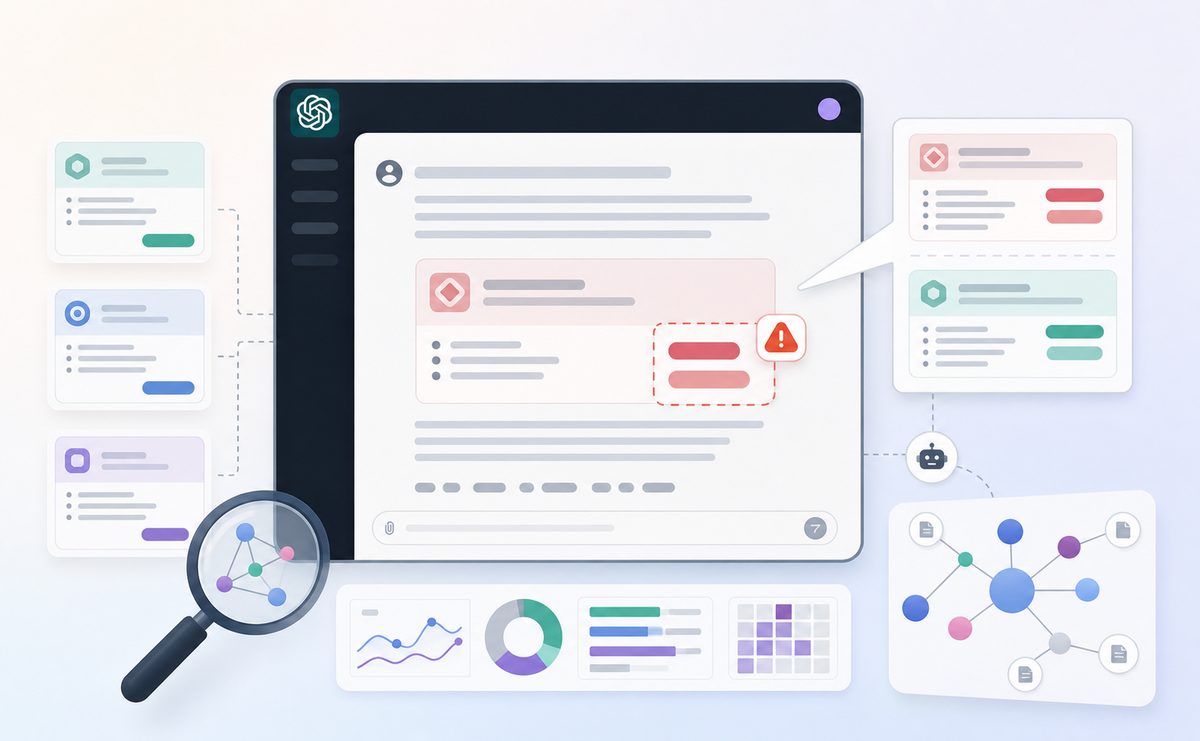
AI wrong pricing is when an AI assistant states a price for your product that is outdated, invented, mis-scoped, or borrowed from the wrong source. It covers stale tiers, false "free" claims, phantom enterprise numbers, and bad competitor comparisons—any answer that misrepresents what a buyer would actually pay today.
It is a distinct problem from general fact hallucination. A wrong founding year is embarrassing; a wrong price changes whether a prospect shortlists you, negotiates against a number you never charged, or walks away thinking you cost twice what you do. Because pricing prompts sit at the bottom of the funnel, the accuracy bar is higher and the money at stake is immediate.
Why do AI assistants quote the wrong price?
AI assistants quote the wrong price because they blend three unreliable sources—stale training data, an old copy of your pricing page, and third-party sites—without knowing which is current. Price is one of the fastest-changing facts about your business, and most retrieval systems were not built to prioritize freshness on a single field.
Here is where a given assistant actually pulls your number from, and how much control you have over each source:
| Source | Typical freshness | Your control |
|---|---|---|
| Model training data | Months to years old | None (baked in) |
| Live crawl of your pricing page | Days to weeks | High |
| Review sites, directories, aggregators | Weeks to months | Low to medium |
| Old blog posts, PDFs, press releases | Often years | Medium |
| Cached "starts at $X" snippets | Variable | Medium |
Two failure points do most of the damage. First, many pricing pages render the actual number in JavaScript or an image, so crawlers index the surrounding words but not the price. Second, assistants that browse the live web still cite whichever page they retrieved first—which might be a comparison site running your 2023 numbers. The result is a confident answer built on the wrong evidence.
The 7 patterns of AI wrong pricing (a tracking taxonomy)
Across the accounts we monitor, AI wrong pricing almost always falls into one of seven repeatable patterns. Naming the pattern matters, because each one has a different root cause and a different fix. A blanket "our facts are wrong" complaint is not actionable; "assistants are quoting a retired tier" is.
| # | Pattern | What the AI says | Root cause | Business risk |
|---|---|---|---|---|
| 1 | Stale tier | An old price after a recent change | Uncrawled or cached pricing page | Buyer anchors to the wrong number |
| 2 | False "free" claim | "It's free" when it is paid or freemium was removed | Legacy content, old reviews | Unqualified signups, churn, support load |
| 3 | Phantom enterprise number | Invents a figure for "contact sales" | No public number, so the model guesses | Negotiation starts against fiction |
| 4 | Wrong billing basis | Monthly quoted as annual, or per-seat as flat | Ambiguous page copy | Perceived 12× price gap |
| 5 | Currency/region mismatch | USD shown to a EUR buyer, wrong tax | No localized pricing signals | Sticker shock, lost regional deals |
| 6 | Competitor comparison error | "Rival X is cheaper than you" | Old third-party comparison data | You look overpriced on a stale delta |
| 7 | Anchor/bundle confusion | Reads "starts at" as the full price, or folds add-ons in | Complex pricing, no plain summary | Misrepresents total cost of ownership |
The two most expensive patterns are usually the false "free" claim and the phantom enterprise number. Both send the buyer into your funnel on a false premise your team then has to unwind on a call. That is why pricing accuracy deserves its own workflow, beyond the general playbook for correcting hallucinated claims about your company.
What does AI wrong pricing cost you? A 30-day tracking example
In one mid-market B2B SaaS account we monitored over 30 days, 38% of pricing-intent answers in week one contained at least one inaccuracy. We ran a fixed set of 40 pricing prompts—"how much does [brand] cost," "is [brand] free," "[brand] enterprise pricing," "[brand] vs [competitor] price"—daily against eight assistants: ChatGPT, Gemini, Perplexity, Claude, Copilot, Grok, Google AI Mode, and AI Overviews.
The misquote instances broke down across the taxonomy like this:
| Pattern | Share of misquotes |
|---|---|
| Stale tier | 34% |
| False "free" claim | 19% |
| Phantom enterprise number | 15% |
| Wrong billing basis | 12% |
| Currency/region mismatch | 8% |
| Competitor comparison error | 8% |
| Anchor/bundle confusion | 4% |
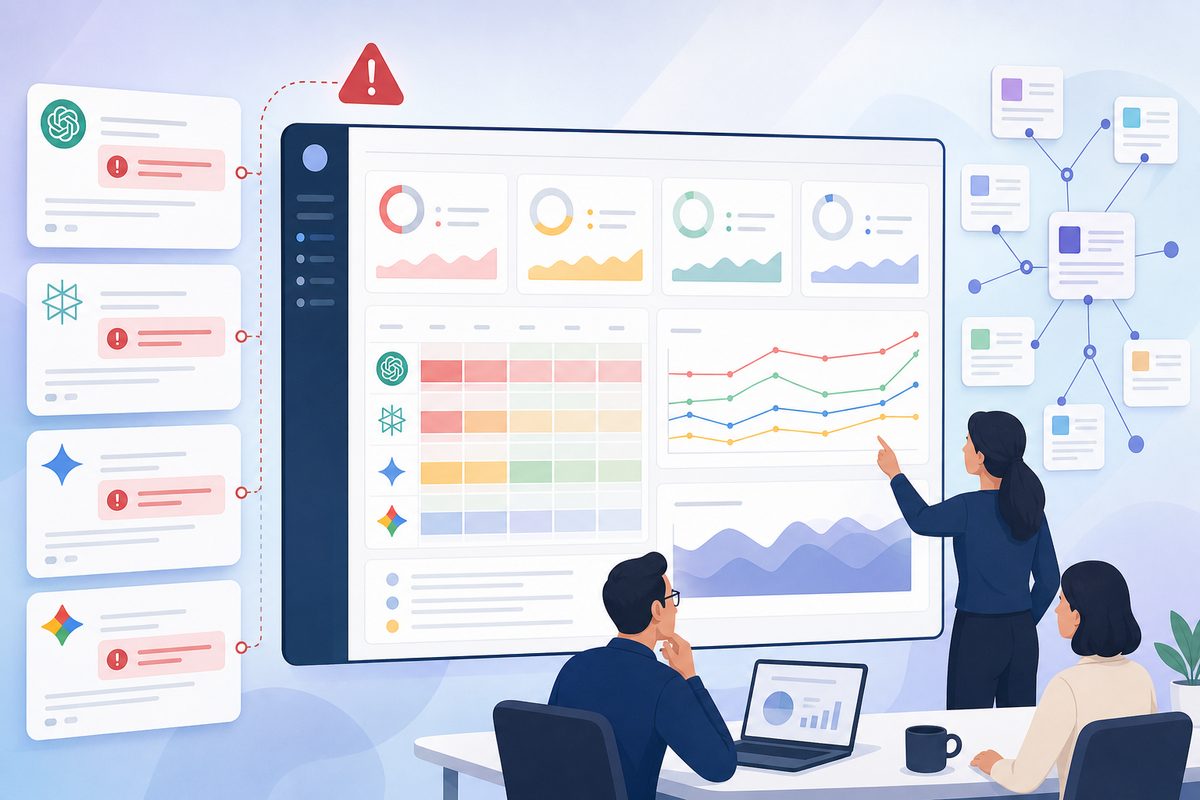
These numbers are from a single engagement, not a universal benchmark—but the shape repeats. Stale tiers dominate because pricing pages change faster than assistants re-crawl them. After the account applied the fixes below—cleaning the source of truth, adding structured data, and correcting third-party listings—the misquote rate fell from 38% to about 9% over roughly three weeks as engines re-indexed. No screenshot of a lower price moves that number; only fixing the evidence assistants read does.
How to audit the way AI quotes your price
Audit AI wrong pricing by running a fixed pricing-prompt set across every assistant, logging the exact number quoted and the source cited, then classifying each answer against the seven patterns. A one-time manual check tells you almost nothing, because answers drift day to day. You need a repeatable baseline.
Run the audit in five steps:
- Build a pricing-prompt set. Include cost, "is it free," per-tier, enterprise, regional, and "[you] vs [competitor] price" prompts. Aim for 20–40 realistic phrasings.
- Run it across engines. Cover ChatGPT, Gemini, Perplexity, Claude, Copilot, Grok, Google AI Mode, and AI Overviews—each retrieves differently.
- Log the number and the source. Record the exact price stated and any cited URL. The citation tells you which stale source to fix first.
- Classify by pattern. Tag each miss as one of the seven types. This turns noise into a prioritized backlog.
- Measure a misquote rate and share of voice. Track the percentage of answers that are wrong, and how often you appear at all in pricing shortlists over time.
Continuous AI search monitoring is what makes step five meaningful—a single day is weather, a 30-day trend is climate. If your own outdated assets are the cited culprit, start where the damage compounds: your own stale pages are feeding wrong AI answers.
How to fix AI wrong pricing: a 5-step playbook
Fix AI wrong pricing by making your live price the single most crawlable, machine-readable, and internally consistent version of the number anywhere on the web. Assistants reward the source that is unambiguous and corroborated. Work through these five moves in order.
1. Repair the source of truth
Put one canonical pricing page in place with the actual number in server-rendered text—not locked inside JavaScript, an image, or a "request access" gate. Add an effective date ("Pricing as of [month/year]") so freshness is explicit. One page, one number, crawlable—everything else points here.
2. Mark up the price with structured data
Add product and offer structured data so machines read the price as data, not prose. Use schema.org's Offer type to declare price, priceCurrency, priceValidUntil, and availability, following Google's product structured data guidance. Structured data does not guarantee a correct AI answer, but it removes ambiguity and gives retrieval systems a clean field to trust.
3. Kill contradictions everywhere
Assistants distrust a number that disagrees with itself across sources. Find and correct every stale mention—old blog posts, PDFs, sales decks, and especially third-party review sites and directories. Off-site agreement is a ranking signal: assistants surface the price that independent sources already echo. Chase down aggregators listing a retired figure and request updates.
4. State the price plainly, in words
Add a short, literal pricing summary in text near the top of the page: what each tier costs, the billing basis (per seat vs. flat, monthly vs. annual), and what "free" actually includes. Then add a brief pricing FAQ. This directly defuses the wrong billing basis and false "free" claim patterns, which stem from ambiguous copy more than from stale data.
5. Re-monitor and QA before every change
After fixes, keep tracking until the misquote rate drops and holds. Then bake pricing into your release process: run AI visibility QA before any pricing update so you catch regressions the day you ship, not the quarter after. Because pricing prompts are pure bottom-funnel, treat them with the same rigor as every other high-intent buying question.
When AI says a competitor is cheaper: fixing price comparisons
When an assistant claims a competitor is cheaper, the fix is rarely to drop your price—it is to correct the stale delta and reframe the comparison around value. Comparison errors almost always trace to an old third-party table, where the AI reads your 2023 number against your rival's 2025 number.
Do three things:
- Correct the source. Identify the cited comparison page and get the figures updated.
- Publish your own honest comparison with current numbers and billing basis, so there is an authoritative page to retrieve.
- Frame total cost, not sticker price—onboarding, seats included, and overage fees. A rival that looks cheaper on a headline number often is not once you normalize the basis.
This also depends on the AI knowing who your real rivals are. Make sure you separate direct budget rivals from feature neighbors so assistants compare you against the right set—not a cheaper tool solving a different problem.
Pricing QA before you change a single number
The cheapest AI wrong pricing to fix is the kind you catch before you ship the change. Every pricing update is a moment when your live page, your cached pages, and third-party listings temporarily disagree—exactly the ambiguity that produces stale-tier and billing-basis misquotes.
Run this pre-change checklist:
- Confirm the new price is server-rendered text and structured data is updated in the same deploy.
- Update
priceValidUntiland the visible effective date together. - Refresh internal cross-references—docs, comparison pages, and any hardcoded numbers in help content.
- Flag high-value third-party listings to update, prioritizing whichever sources assistants currently cite.
- Baseline the misquote rate before launch, then watch it daily for two to three weeks as engines re-crawl.
Treating pricing as a monitored surface—not a one-time page edit—is what keeps your AI share of voice clean when it matters most: in the answers where a buyer is actively comparing what to pay.
Frequently asked questions
How fast do AI assistants update pricing after I change it?
It varies from days to months. Live-browsing assistants (Perplexity, Copilot, Google AI Overviews) can reflect a change within days of re-crawling your page; answers drawn from training data can lag far longer. Structured data and a single canonical source speed up the assistants that browse.
Can I report a wrong price directly to OpenAI or Google?
You can, but feedback forms rarely fix the root cause. ChatGPT's thumbs-down, Google's AI Overview feedback link, and Perplexity's report option flag a bad answer, but none guarantees a correction or propagates to the underlying sources. The durable fix is changing the evidence the model retrieves—a crawlable price in text, clean Offer schema, and corrected third-party listings—so the next answer is right by default.
Can I force ChatGPT to show the right price?
No single lever forces it. You influence the answer by fixing the evidence—a crawlable price in text, correct Offer schema, and consistent third-party listings—then verifying with ongoing llm brand tracking. There is no "submit correct price" button; there is only making the right number the easiest one to retrieve and corroborate.
Does schema markup guarantee a correct AI price?
No—structured data reduces ambiguity but does not override contradictory sources. If a review site still lists an old tier and your page has clean Offer schema, an assistant may still cite the stale source. Schema is necessary but not sufficient; you also have to clean up off-site mentions.
What if a review site or directory lists my old price?
Correct it directly. Third-party listings are a top cause of stale-tier misquotes because assistants treat independent sources as corroboration. Identify which pages are cited in AI answers, request updates, and where you can, provide the current number and effective date. Off-site agreement is what makes your price stick.
Is a false "free" claim really worth worrying about?
Yes—it is one of the most expensive patterns. A wrong "it's free" answer floods your funnel with unqualified signups and forces your team to reset expectations on every call. It also erodes trust when the buyer discovers the gap. Fix it by stating plainly, in text, exactly what any free plan includes and where paid tiers begin.