AI referral traffic in GA4 is the set of sessions that start when someone clicks a link to your site inside an AI answer — in ChatGPT, Perplexity, Gemini, Copilot, Claude, or Grok. By default, GA4 scatters those sessions across Referral, Direct, and Organic Search, so most teams underreport the exact channel they are being asked to defend in budget meetings.
This guide fixes that: a copy-paste regex and custom channel group that surfaces every known AI source (and applies retroactively), the real limits of GA4's new native AI Assistant channel, a workaround playbook for the "dark" AI traffic GA4 cannot see, benchmarks so you know whether your numbers are good, and — the part most tracking guides skip — a method for pairing GA4 click data with AI mention-rate data, so you can tell whether AI visibility is actually turning into pipeline.
What Is AI Referral Traffic in GA4?
AI referral traffic is website traffic that arrives from an AI assistant or AI search engine. GA4 records it when the visitor's browser passes a referrer (such as chatgpt.com) or when the AI platform appends UTM parameters to the link. No referrer, no attribution — the visit falls into Direct.
Each platform shows up under a predictable session source. These are the values you will filter on throughout this guide:
| Platform | Typical session source in GA4 | Where it lands by default |
|---|---|---|
| ChatGPT | chatgpt.com (legacy: chat.openai.com) |
Referral, or Direct from apps |
| Perplexity | perplexity.ai |
Referral |
| Gemini | gemini.google.com (legacy: bard.google.com) |
Referral |
| Microsoft Copilot | copilot.microsoft.com, edgeservices.bing.com |
Referral, or Direct from Windows app |
| Claude | claude.ai |
Referral |
| Grok | grok.com, x.ai |
Referral |
| Google AI Overviews / AI Mode | google |
Organic Search — not separable |
That last row matters: clicks from AI Overviews and AI Mode carry a standard Google referrer. Google's own documentation confirms they are reported inside the "Web" search type and ordinary organic traffic, with no separate click breakout. Do not promise stakeholders an "AI Overviews traffic" number — it does not exist in GA4.
Where Does AI Traffic Hide in GA4 by Default?
By default, AI visits split across three buckets: Referral (browser clicks with a referrer), Direct (apps and clients that strip the referrer), and Organic Search (all AI Overviews and AI Mode clicks). Until you reclassify the first bucket, your "Referral" line quietly absorbs your fastest-growing channel.
Google has started closing part of this gap. In May 2026, GA4 began auto-classifying some AI visits under a new "AI Assistant" channel with medium ai-assistant, as reported by MarTech. Here is how the native channel compares with the custom channel group this guide builds:
| Native AI Assistant channel | Custom AI Referral channel | |
|---|---|---|
| Confirmed coverage | ChatGPT, Gemini, Claude; no full referrer list published | Every source in your regex — 15+ platforms |
| Historical data | New data from the May 2026 rollout onward (default channel assignments are set at processing time) | Retroactive — reclassifies your history at report time |
| Dark traffic (no referrer) | Missed | Missed too — recover via UTMs and heuristics (below) |
| Who controls updates | Google, on its schedule | You, the day a new assistant launches |
Treat the native channel as a floor, not a finish line: Perplexity, Copilot, and Grok coverage is unverified, and anything arriving without a referrer still lands in Direct. The custom channel group remains the reliable way to capture the full platform list.
How to Set Up a GA4 Custom Channel Group for AI Traffic (Step by Step)
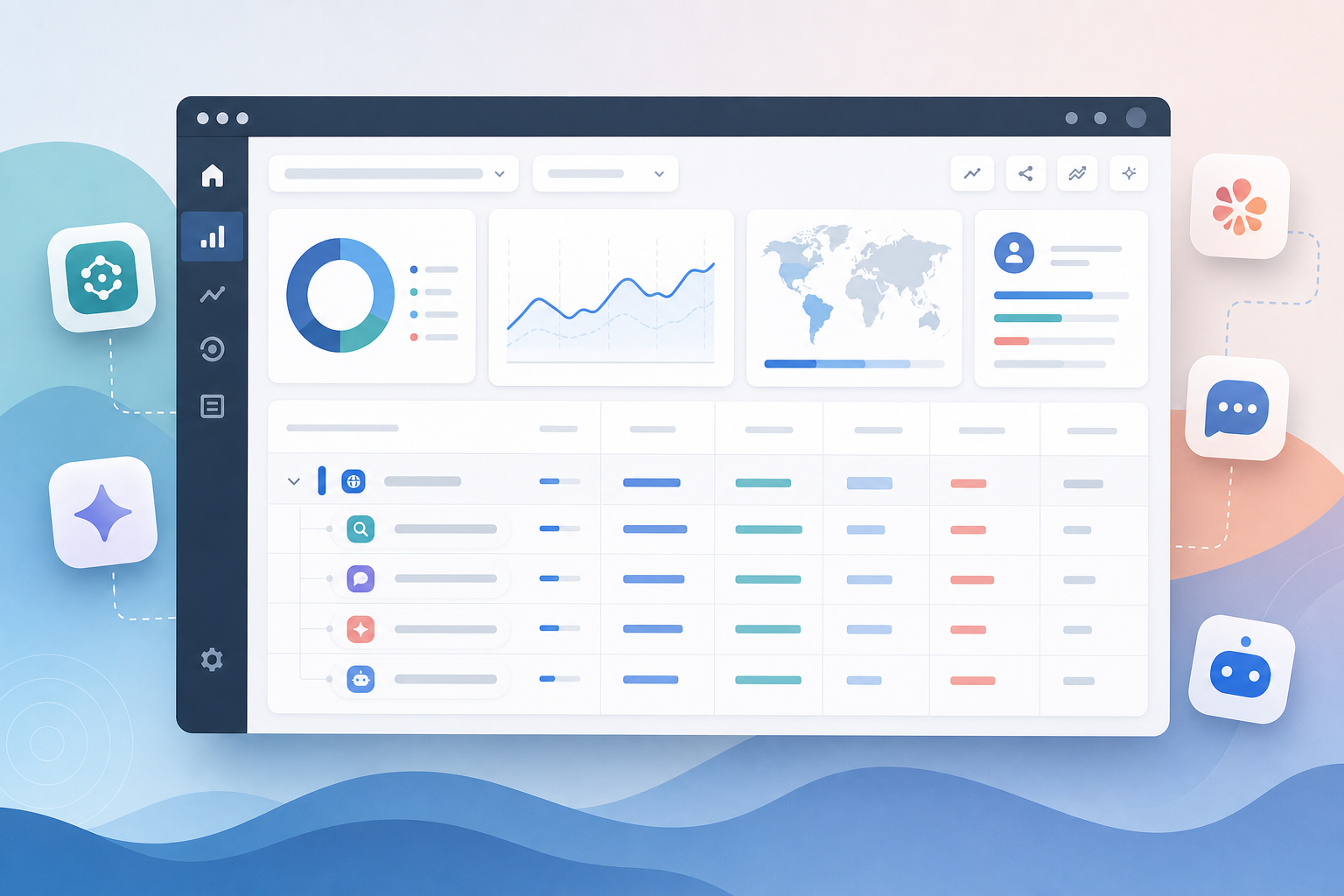
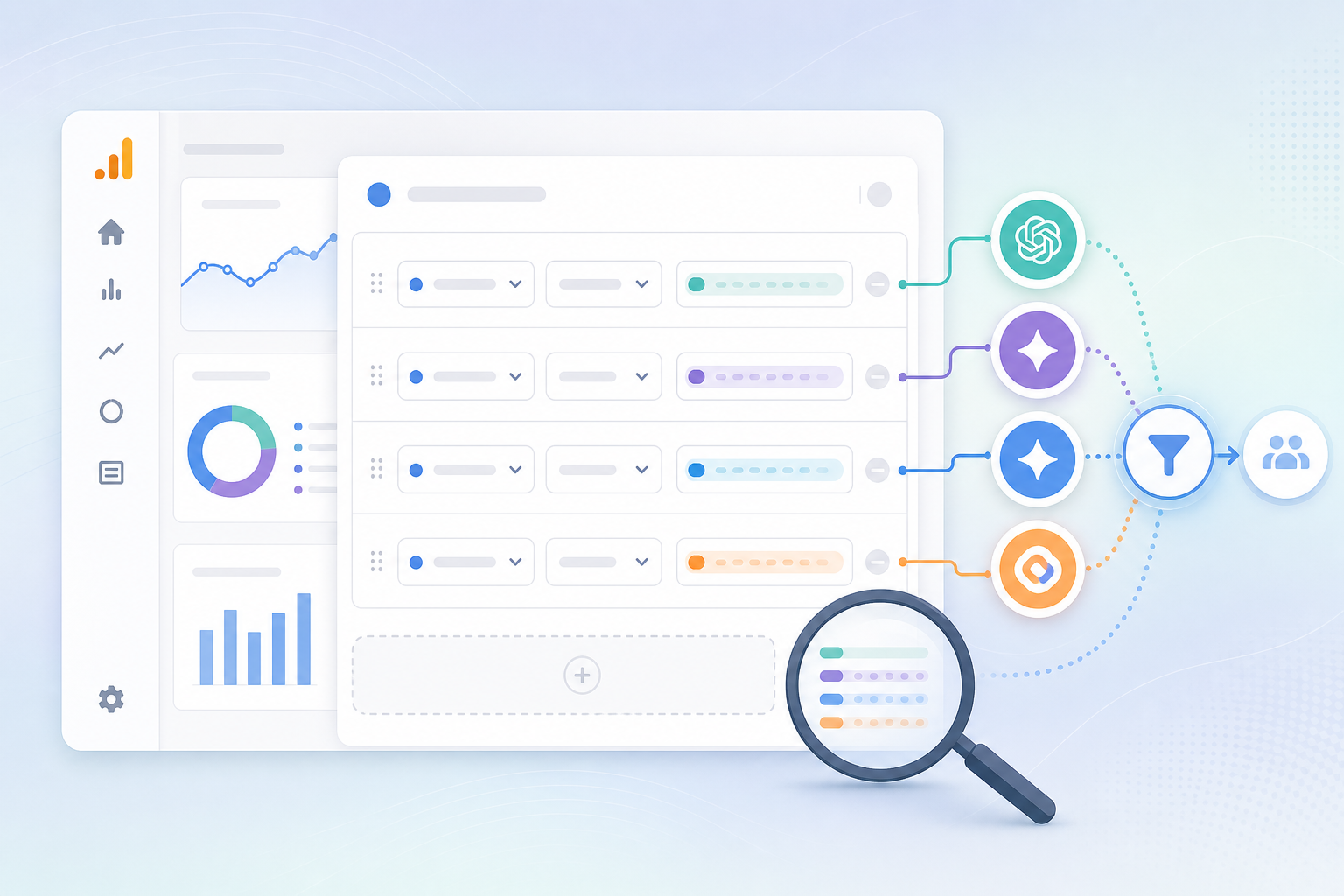
The permanent fix is a custom channel group: one regex condition on session source, evaluated above Referral, that groups every AI platform into a single "AI Referral" channel. It takes about 15 minutes and, unlike default channel group edits, custom channel groups apply retroactively — your historical AI sessions get reclassified too.
The copy-paste regex
Use this pattern as your source condition. It covers the eight platforms above plus the long tail (DeepSeek, Meta AI, Mistral's Le Chat, You.com, Poe):
.*(chatgpt\.com|chat\.openai\.com|perplexity\.ai|claude\.ai|gemini\.google\.com|bard\.google\.com|copilot\.microsoft\.com|edgeservices\.bing\.com|grok\.com|x\.ai|deepseek\.com|meta\.ai|chat\.mistral\.ai|you\.com|poe\.com).*
Four notes before you paste:
- Keep the leading and trailing
.*. GA4 evaluates channel-group regex as a full match; without the wildcards, a source likewww.perplexity.aiwill silently fail to match. - Escape the dots (
\.) exactly as shown. An unescaped dot still matches, but it also matches lookalike strings you did not intend. Short fragments likex\.aican still over-match (any source ending in "x.ai"), so scan your matches once after setup — see the verification step below. - Add
openai\.comonly if you are comfortable bundling traffic from OpenAI's docs and community pages into the same channel; for most sites the ChatGPT-specific domains are cleaner. - The condition keys on source only, so it matches whether GA4 records the medium as
referral,(not set)(UTM-only hits), or the newai-assistant.
Create the custom channel group
- In GA4, go to Admin → Data display → Channel groups.
- Click Create new channel group (this clones the default grouping, which you cannot edit directly). GA4 allows only two custom channel groups per property, so name it for long-term reuse.
- Click Add new channel and name it
AI Referral. - Set the condition to Source → matches regex and paste the pattern above.
- Drag the new channel above Referral in the channel list. GA4 assigns each session to the first channel whose conditions match, so order decides everything.
- Name the group (for example,
Default + AI) and save. - In Reports → Acquisition → Traffic acquisition, switch the primary dimension to your new channel group to see AI Referral alongside Organic Search and Paid.
Verify it works in five minutes
- Force a test session: in an incognito window, visit any page on your site with
?utm_source=chatgpt.comappended. Realtime confirms the source arrived; the channel assignment itself appears in Traffic acquisition after processing (allow 24–48 hours). - Audit for over-matches: build an Exploration filtered by the same regex and scan the matched source list once. Anything that is not an AI platform means a fragment like
x\.aiis catching a lookalike — tighten that fragment.
No admin access? Use an Exploration instead
If you cannot edit channel groups — common for agency analysts in a client's property — build a free-form Exploration: dimension Session source, metrics Sessions, Engaged sessions, and your key events, with a Session source matches regex filter using the same pattern. Add Landing page + query string as a second dimension to see which pages AI assistants actually cite — that list is your map of what to publish next. Same answer, no property settings touched, and it doubles as a clean per-platform tab for monthly reporting.
How to Catch Dark AI Traffic GA4 Misses
A meaningful share of AI clicks arrives with no referrer at all and lands in Direct — GA4 cannot reclassify what it cannot see. You can recover some of it through UTM parameters and estimate the rest through landing-page heuristics.
UTM parameters do part of the work for you. Since mid-2025, ChatGPT has appended utm_source=chatgpt.com to most cited links in its search-grounded answers (explainer here), and Perplexity tags some links with utm_source=perplexity. Because GA4 prioritizes UTMs over referrers, these sessions surface under the right source even when the referrer is stripped. Your regex already matches them.
App traffic stays dark. Clicks from the ChatGPT mobile and desktop apps, Copilot inside Windows, and various in-app browsers often pass neither referrer nor UTMs. Two estimation tactics bound the gap:
- Watch Direct sessions landing on deep content pages — pages no one types into a browser. A sustained Direct lift on a page that AI assistants started citing is usually misattributed AI traffic.
- Compare Direct entrances on AI-cited pages before and after the citation appeared. The delta is your dark-traffic estimate; it will not be precise, but it is defensible in a report.
For AI Overviews and AI Mode, stop looking in GA4 entirely. Those clicks are organic by Google's design. Use Search Console's Web search type for the blended number, and use answer-level monitoring (covered below) to know when you are actually appearing — visibility there moves weeks before traffic does.
What Do Good AI Referral Numbers Look Like?
Expect small volume and outsized quality: for most B2B sites, AI referral traffic is still around 1% of sessions, but it converts at multiples of organic search. Set stakeholder expectations on conversion contribution, not session counts.
The most-cited datasets all point the same direction:
| Finding | Number | Source |
|---|---|---|
| AI search visitors vs. organic, conversion to signup | 23x higher (0.5% of visitors drove 12.1% of signups) | Ahrefs, on their own site data, 2025 |
| Estimated value of an AI search visitor vs. organic | ~4.4x | Semrush AI search study |
| ChatGPT's share of all AI referral traffic | ~87% | Lantern's cross-site analysis |
The mechanism is simple: by the time someone clicks out of an AI answer, the assistant has already summarized the category, shortlisted vendors, and pre-qualified the visitor's intent. They arrive mid-funnel. That is why a channel at 1% of sessions can justify a real slice of an answer engine optimization budget — and why reporting it as generic "Referral" undersells the work.
One distribution note for your monthly report: expect ChatGPT to dominate session counts, with Perplexity typically second on B2B technical content. If Copilot is absent entirely, check whether edgeservices.bing.com is in your regex before concluding you are invisible there.
How to Connect GA4 Clicks to AI Mentions (Close the Funnel Gap)
GA4 tells you who clicked; it cannot tell you how often AI recommends you, describes you accurately, or names a competitor instead. Pairing session data with daily mention-rate data is what turns AI tracking from a traffic report into a funnel.
Here is the gap in click-only measurement. Most AI answers resolve without any click — the user reads the recommendation and acts on it later through branded search or Direct. A brand can be mentioned in 40% of relevant answers and receive near-zero referral sessions, simply because the platform mentions without linking. Click data alone would call that invisibility. It is the opposite: unlinked influence, surfacing two steps later in your funnel.
The fix is to run two trackers side by side:
- GA4 (this guide): sessions, engaged sessions, and key events for your AI Referral channel, by platform.
- Answer-level monitoring: run a fixed prompt set that mirrors what buyers actually ask across ChatGPT, Perplexity, Gemini, Copilot and the rest daily, and record your mention rate (share of answers naming you) and citation rate (share linking to you). This is the layer an ai visibility tool like maxaeo automates — it monitors how eight AI platforms mention, rank and describe your brand every day, which matters because AI answers reshuffle far more often than rankings do.
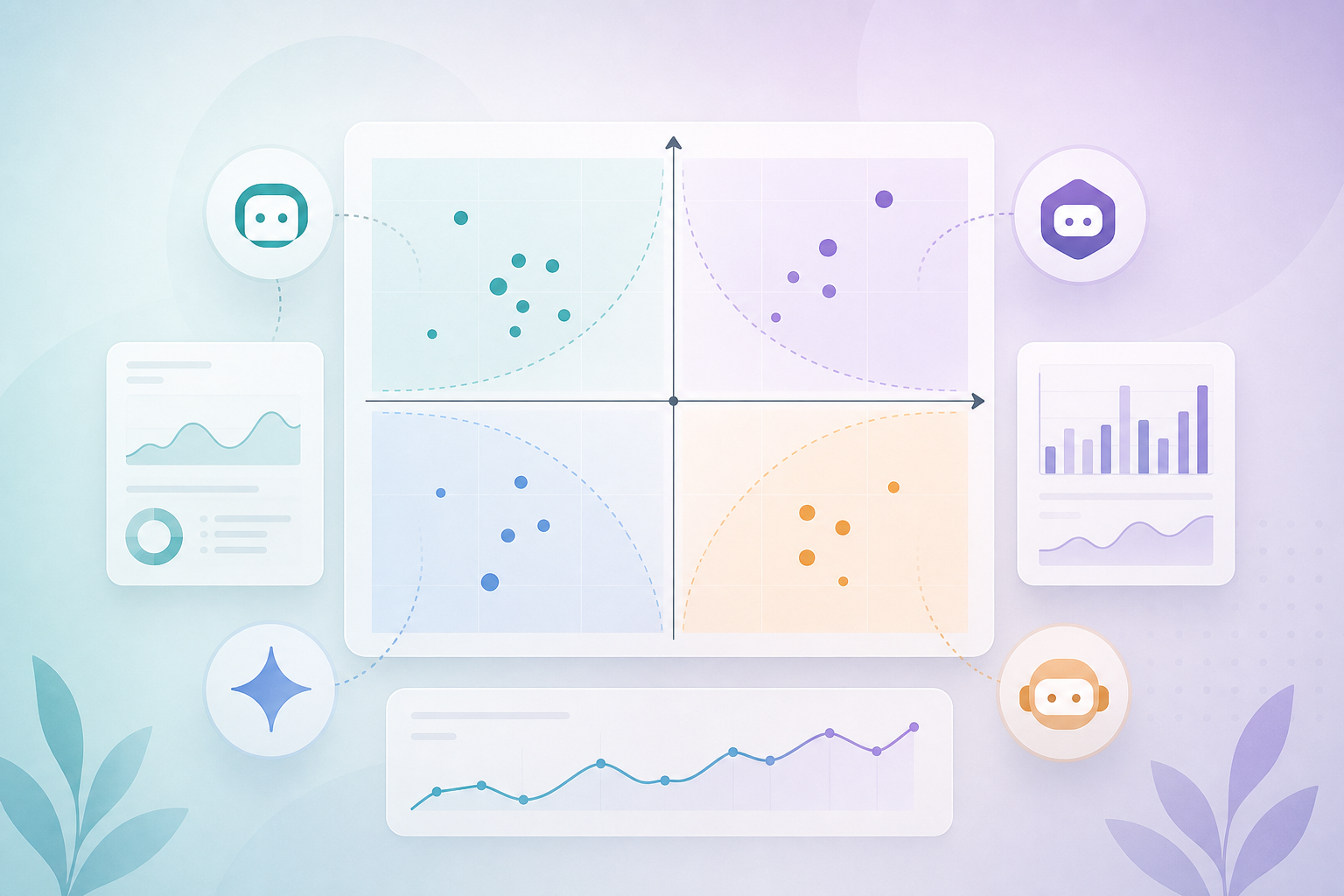
Read the two datasets together as a quadrant — we call it the Mention-to-Click Matrix:
| Clicks rising | Clicks flat | |
|---|---|---|
| Mentions rising | Compounding: visibility converts. Scale the content cluster that earned it. | You are named but not linked. Push to become the cited source: publish the stats, comparisons and definitions assistants quote. |
| Mentions flat | Traffic is riding volatile or third-party citations. Fragile — verify which sources actually drive it. | Losing the shortlist. Audit AI share of voice against competitors before the gap widens. |
A worked example with round numbers: suppose your tracker shows a 30% mention rate and 10% citation rate across a 50-prompt set, and GA4 shows 200 AI Referral sessions a month. If next quarter mentions climb to 45% while sessions stay at 200, your problem is not visibility — it is citability, and more blog posts will not fix it. If sessions jump to 600 while mentions sit at 30%, one volatile citation is doing the work, and you should treat that traffic as at-risk rather than earned. Click data alone cannot distinguish these cases; the pair can. Both numbers belong in the same dashboard as the rest of your AI visibility metrics.
This pairing is also what makes brand mentions in ChatGPT reportable to a CFO: mention rate is the leading indicator, AI Referral conversions are the lagging proof, and the matrix explains every divergence between them in one slide.
Frequently Asked Questions
Why does my ChatGPT traffic show up as Direct in GA4?
Clicks from ChatGPT's mobile and desktop apps often strip the referrer before the visit reaches your site, so GA4 has nothing to attribute and files the session under Direct. Browser-based ChatGPT clicks usually carry chatgpt.com as the referrer or a utm_source=chatgpt.com tag and attribute correctly.
Can GA4 separate Google AI Overviews clicks from regular organic search?
No. Google reports AI Overviews and AI Mode clicks inside standard organic search — in GA4 they arrive as google / organic, and Search Console folds them into the Web search type. No referrer distinguishes them, so any "AI Overviews traffic" segment in GA4 is an estimate, not a measurement.
Do I still need a custom channel group now that GA4 has an AI Assistant channel?
Yes. The native channel's confirmed coverage is ChatGPT, Gemini and Claude, with no published full list, and it misses anything arriving without a referrer. A custom channel group with your own regex covers Perplexity, Copilot, Grok and new entrants on your schedule — and applies retroactively to historical data.
How do I see conversions from AI referral traffic in GA4?
Mark your conversions as key events first. Then, in Reports → Traffic acquisition, switch the primary dimension to your custom channel group and read the key events and revenue columns on the AI Referral row. For per-platform conversion rates, use the Exploration described above with key events as a metric.
Is AI referral traffic the same as AI crawler traffic?
No. Referral traffic is humans clicking out of AI answers — it runs the GA4 tag and creates sessions. Crawler traffic is bots like GPTBot or PerplexityBot fetching pages for training and answer-grounding; it never executes the tag and is visible only in server or CDN logs. Rising crawler hits are an early signal that citations may follow.
How often should I update the AI regex?
Review it monthly. New assistants launch frequently, and platforms change domains — ChatGPT's move from chat.openai.com to chatgpt.com broke many older filters. A quick scan of your Referral and Unassigned channels for unfamiliar AI-looking sources catches almost everything, and pairs naturally with your monthly ai search monitoring review.
Is a channel worth tracking at 1% of traffic?
Yes, because the value concentrates in conversion, not volume. Ahrefs measured AI search visitors converting at 23 times the rate of organic visitors — 0.5% of traffic producing 12.1% of signups. Reported as raw sessions the channel looks trivial; reported as signups influenced, it earns its line in the budget.
This article was created with AI assistance and reviewed by a human editor.