
作者:maxaeo.ai|发布日期:2025-06-02|更新日期:2025-06-02
Robots.txt for LLMs is the practice of using your site’s robots.txt file to allow or block the crawler bots operated by AI companies — such as OpenAI’s GPTBot, Anthropic’s ClaudeBot, and PerplexityBot — so you control whether your content is used for model training or fetched for AI answers. For brands that want visibility in ChatGPT, Perplexity, and Gemini, the configuration is no longer optional housekeeping: one misplaced Disallow rule can make you invisible in AI search results.
This guide covers the current AI user-agents, copy-paste configuration templates, the most common mistakes we see in real audits, and how to decide what to block.
What Is robots.txt for LLMs?
Robots.txt is a plain-text file at your domain root (e.g., https://example.com/robots.txt) that tells automated crawlers which paths they may access. It follows the Robots Exclusion Protocol, standardized as RFC 9309 in 2022.
In the LLM era, the same file now governs a second class of visitors: AI crawlers that either train foundation models on your content or retrieve pages in real time to answer user questions. The distinction matters enormously — blocking a training crawler protects your content from being absorbed into a model, while blocking a retrieval crawler removes you from live AI answers entirely.
Robots.txt is advisory, not enforceable. Most major AI companies publicly commit to honoring it, but compliance is voluntary — which is why many sites pair it with CDN-level bot blocking (Cloudflare, for example, offers one-click AI bot blocking) for hard enforcement.
Which AI User-Agents Should You Know?
There are roughly two dozen AI-related user-agents in the wild, but a handful account for the vast majority of crawl traffic. Here is the working list we maintain from analyzing robots.txt behavior and crawl logs across the sites we monitor:
| User-agent | Company | Purpose |
|---|---|---|
| GPTBot | OpenAI | Training data collection |
| ChatGPT-User | OpenAI | Real-time browsing for ChatGPT answers |
| OAI-SearchBot | OpenAI | Indexing for ChatGPT search |
| ClaudeBot | Anthropic | Training data collection |
| Claude-User / Claude-SearchBot | Anthropic | Real-time retrieval |
| PerplexityBot | Perplexity | Retrieval and indexing for answers |
| Google-Extended | Control for Gemini training (separate token) | |
| Meta-ExternalAgent | Meta | AI training |
| Bytespider | ByteDance | AI training |
| Amazonbot | Amazon | Alexa / AI training |
The critical pattern: OpenAI and Anthropic both separate training bots from answer-retrieval bots. If you block GPTBot but allow ChatGPT-User and OAI-SearchBot, you can opt out of training while staying visible in ChatGPT answers. OpenAI documents these tokens on its GPTBot documentation page.

Recommended robots.txt Configurations (Copy-Paste)
The right rules depend on your goal. Three common scenarios:
Scenario A: Full visibility in AI answers (recommended for most brands)
User-agent: GPTBot
Allow: /

User-agent: ChatGPT-User
Allow: /

User-agent: OAI-SearchBot
Allow: /

User-agent: ClaudeBot
Allow: /

User-agent: Claude-User
Allow: /

User-agent: PerplexityBot
Allow: /

User-agent: Google-Extended
Allow: /
If your business model depends on being discovered — SaaS, e-commerce, publishing monetized by ads — this is usually the correct default.
Scenario B: Allow AI answers, block training
User-agent: GPTBot
Disallow: /

User-agent: ClaudeBot
Disallow: /

User-agent: ChatGPT-User
Allow: /

User-agent: OAI-SearchBot
Allow: /

User-agent: PerplexityBot
Allow: /
This is the nuanced middle path: your pages can still be fetched and cited in answers, but you withhold them from training corpora.
Scenario C: Block everything AI
User-agent: GPTBot
Disallow: /
User-agent: ChatGPT-User
Disallow: /
User-agent: OAI-SearchBot
Disallow: /
User-agent: ClaudeBot
Disallow: /
User-agent: Claude-User
Disallow: /
User-agent: Claude-SearchBot
Disallow: /
User-agent: PerplexityBot
Disallow: /
User-agent: Google-Extended
Disallow: /
User-agent: Meta-ExternalAgent
Disallow: /
User-agent: Bytespider
Disallow: /
User-agent: Amazonbot
Disallow: /
Appropriate for premium paywalled content or sites with strict licensing concerns — but understand the trade-off covered below.
The #1 Mistake: Accidentally Blocking AI Retrieval
In our audits of brand sites that mysteriously don’t appear in ChatGPT or Perplexity answers, an overly broad robots.txt rule is one of the recurring root causes. The typical failure modes:
- A legacy
Disallow: /on a staging wildcard that got promoted to production. - CDN default rules (some managed WordPress and security plugins ship AI-blocking presets without telling you).
- Confusing Google-Extended with Googlebot.
Google-Extendedonly controls AI training; blocking it does not affect Google Search rankings. But some site owners block it expecting to opt out of AI Overviews — that doesn’t work, since AI Overviews uses the standard Googlebot crawl. - Blocking
ChatGPT-Userwhile allowingGPTBot, which is exactly backwards for brands that want visibility.
If you’re already invisible in AI answers, robots.txt is the first thing to check. Our guide on why sites fail to get cited in AI search walks through the other six causes, from thin entity signals to unstructured content.
robots.txt vs. llms.txt: What’s the Difference?
Robots.txt controls access; llms.txt guides interpretation. They are complements, not substitutes:
- robots.txt — gatekeeper. Decides which bots can crawl which paths. Respected by crawlers at fetch time.
- llms.txt — a proposed markdown file at your root that gives LLMs a curated map of your most important content, in a format easy for models to parse. It does not block anything.
A site that only blocks bots is playing defense. A site that allows retrieval crawlers and ships a clean llms.txt is actively shaping how AI engines understand it. For the implementation details, see our llms.txt implementation audit checklist.
How Blocking Decisions Affect Your AI Visibility
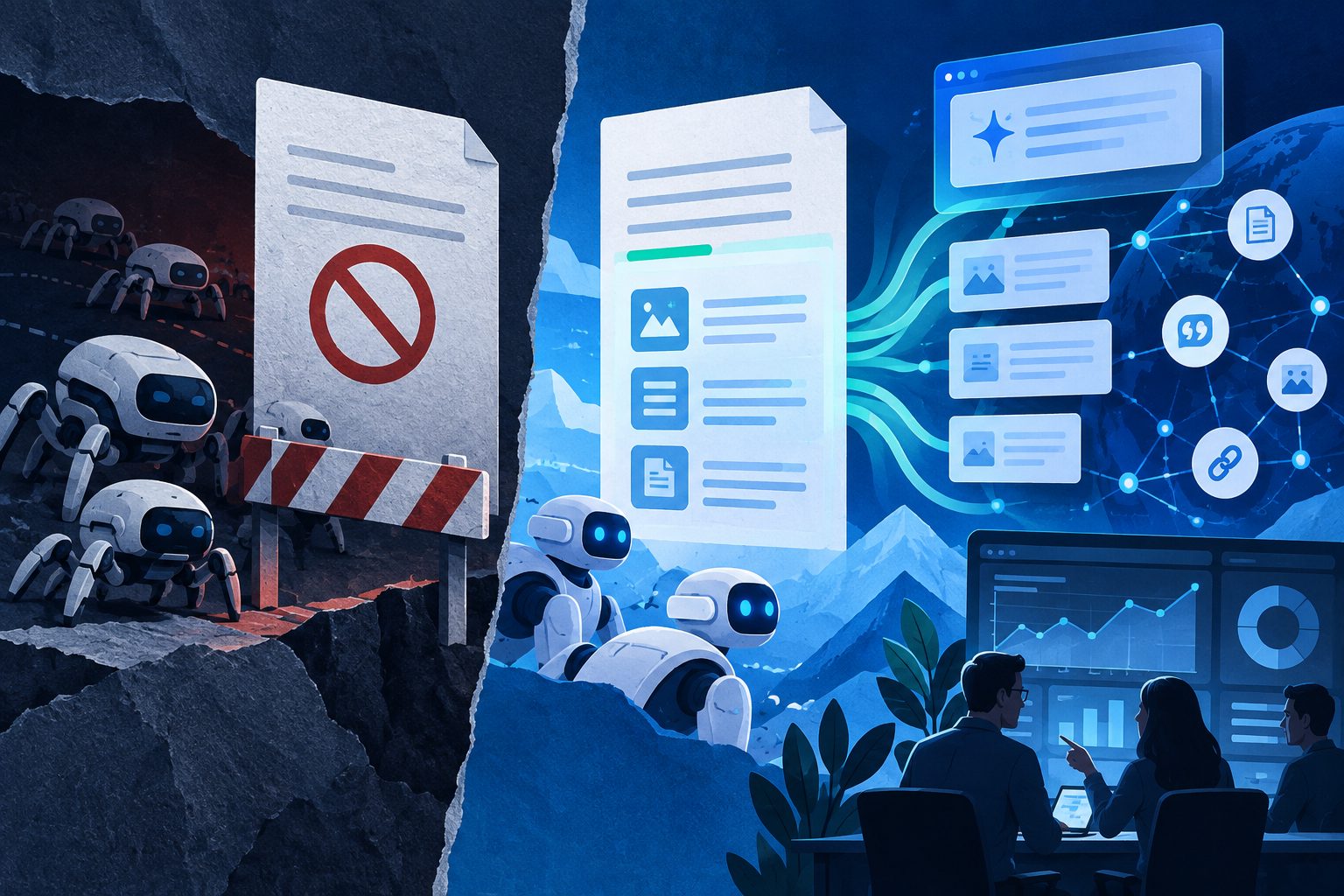
Here’s the strategic reality: buyer-intent prompts in AI assistants are becoming a discovery channel. When a prospect asks ChatGPT "what’s the best tool for X," the answer is assembled from pages the retrieval crawlers can access. If your competitor allows PerplexityBot and you don’t, you have unilaterally withdrawn from that auction.
Our recommendation for most B2B and SaaS brands:
- Allow all retrieval/answer bots (
ChatGPT-User,OAI-SearchBot,PerplexityBot,Claude-User). - Make an informed choice on training bots — blocking
GPTBotandClaudeBotis reasonable and costs you little visibility. - Verify the file quarterly; AI vendors add new user-agents regularly.
Once crawlers can reach you, the next question is whether AI engines actually mention you. That’s a measurement problem: you can track brand recommendations in ChatGPT and Perplexity with structured prompt monitoring. MaxAEO’s free scan (at maxaeo.ai) generates an AI visibility report in about five minutes — mention rate, ranking position, sentiment, and competitor comparison across 8 AI engines — so you can confirm your robots.txt changes actually translated into visibility.
Frequently Asked Questions
Does robots.txt stop AI models from training on my content?
Only if the AI company honors it — which OpenAI, Anthropic, Google, and Meta publicly commit to doing for their declared user-agents. It is not a technical barrier; determined scrapers can ignore it. For hard enforcement, combine robots.txt with CDN-level bot blocking.
Will blocking GPTBot hurt my Google SEO?
No. GPTBot is OpenAI’s crawler and has no relationship with Googlebot or Google Search rankings. Similarly, Google-Extended only affects Gemini training, not Search.
What happens if I block ChatGPT-User?
ChatGPT’s browsing feature will not fetch your pages in real time, so your content is unlikely to be cited with links in ChatGPT answers. For brands seeking AI visibility, this bot should almost always be allowed.
How often should I update robots.txt for LLMs?
Quarterly at minimum. New AI user-agents appear regularly, and vendors occasionally split tokens (as OpenAI did when introducing OAI-SearchBot). An annual review is no longer enough.
Is there a way to check if AI crawlers are actually reaching my site?
Yes — inspect your server logs for the user-agents in the table above, and cross-reference with an AI visibility monitoring tool to confirm your pages are being cited in answers, not just crawled.